JetCount
®
Currency Counter
All Models
multiplier to each note counted. You may use the VALUE key to toggle to the desired
denomination, or press the Direct Access Denomination key. The display will indicate the
denomination selected.
Memory Levels
JetCount has two memory levels:
STRAP
Strap Limits can be set at any number between 1-100 and infinity. JetCount
stops when reaching the Strap Limit.
BATCH
Batch tracks all documents processed when the
is activated, until
cleared.
Setting Strap Limits
JetCount allows you to set individual Strap Limits. For machines with Direct Access
Strapping keys, pre-set Strap Limit Values are set for each key in Setup. Straps may be set for
any piece count between 1 and 100. There are eight preset strap levels: 5, 10, 20, 25, 50, 75, 100
and infinity. Repeatedly pressing STRAP allows you to select among the eight values. The
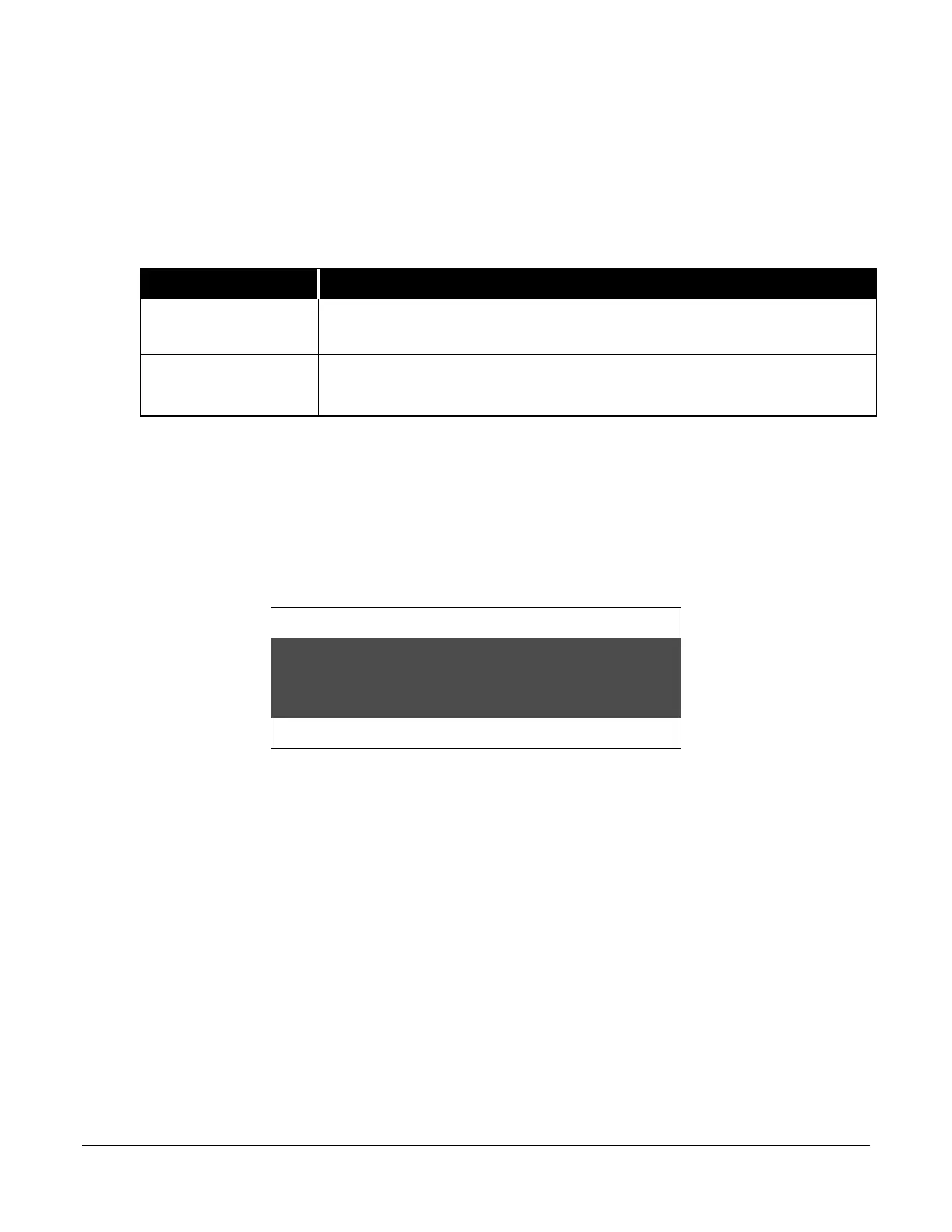
following screen shows the strap set to“50” in COUNT mode.
Strap Density Denomination
Count Speed
To select a Strap Limit between 1 and 100 that is not a preset quantity (e.g., “30”), press and
hold STRAP until the display shows the preset level nearest and below the desired number. If
you continue to hold down STRAP, the value will increase in single-digit increments until you
reach the desired level.



 To Next Page