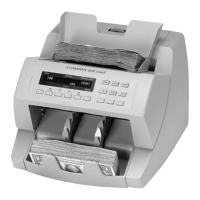
JetCount
®
Currency Counter
All Models
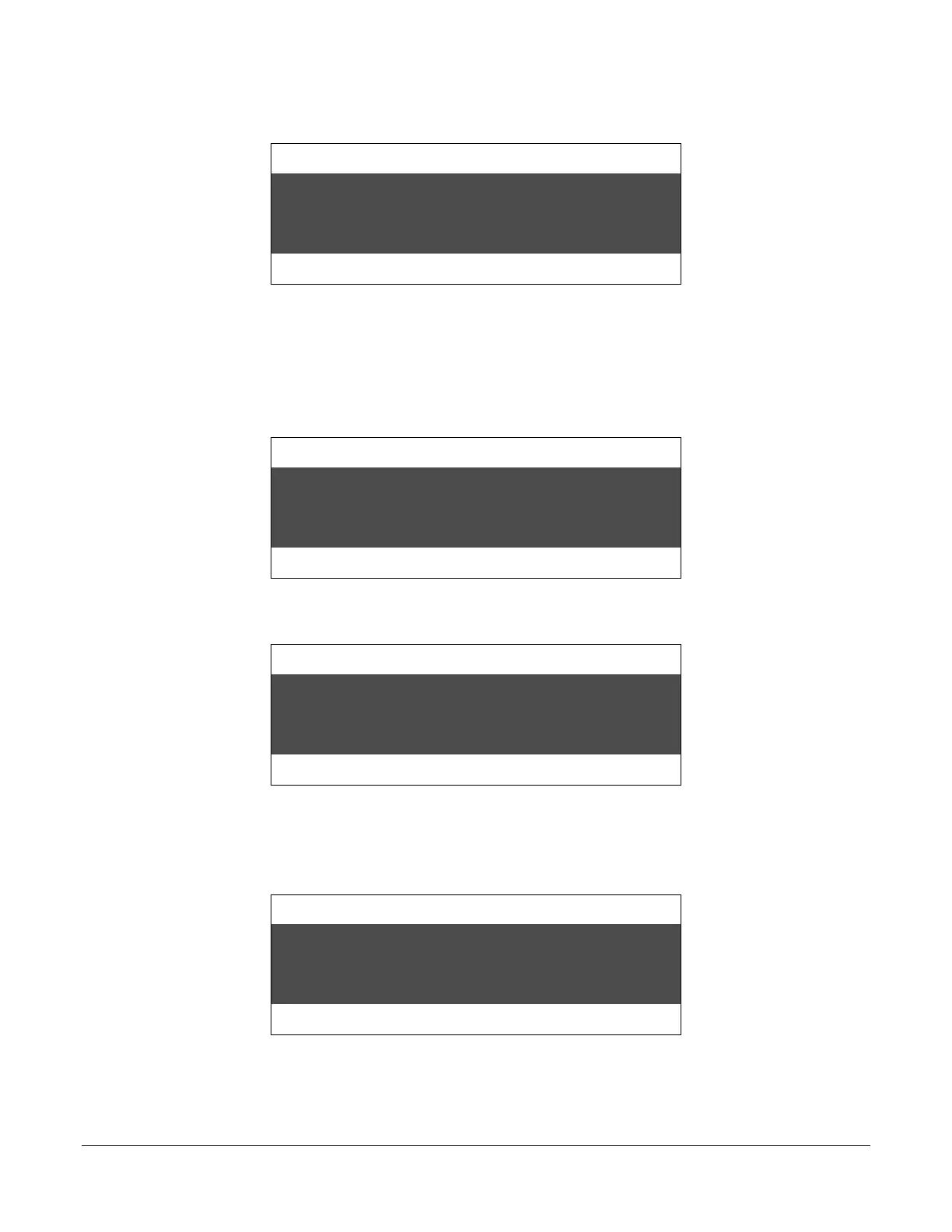
Press KEY 3 for the arrow prompt to view options and make changes.
Strap Density Denomination
Count Speed
Press KEY 13 or KEY 14 to view sub-selections. For this example, press KEY 13 or KEY 14
to change to DENOM keys.
Then press KEY 4 or KEY 5 to move the arrow to change the status. To follow the same
example, press KEY 4 or KEY 5 to move the arrow and change the key number:
Strap Density Denomination
Count Speed
Press KEY 14 or KEY 15 to change the KEY number:
Strap Density Denomination
Count Speed
Follow the same procedure to change the strap limit value (i.e., press KEY 4 or KEY 5 to move
the arrow, then KEY 14 or KEY 15 to change the strap limit value). You must press KEY 4 or
KEY 5 until you return the arrow prompt to its start position:
Strap Density Denomination
Count Speed
Finally, be sure to press KEY 6 to remove arrow prompt and save new setting.



 To Next Page