6.3 Planning of cleaning operations
The regular cleaning of the device keeps the print quality and extends its life. The following table shows the recommended
planning for the cleaning operations.
EVERY PAPER CHANGE
Printing head Use isopropyl alcohol
Rollers Use isopropyl alcohol
EVERY 5 PAPER CHANGES
Cutter
(1)
Use compressed air
Paper path Use compressed air or tweezers
Sensors Use compressed air
EVERY 6 MONTHS OR AS NEEDED
Display
(2)
Use compressed air or a soft cloth
Case Use compressed air or a soft cloth
NOTES:
If you use the device in dusty environments, you must reduce the intervals between the cleaning operations.
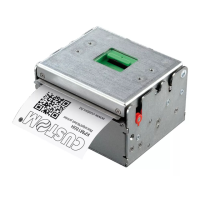
For some models, only the internal printer group is represented.
(1) Only for KPM180H with presenter.
(2) Only for TK180. Don't use any ammonia-based product.
74


 To Next Page