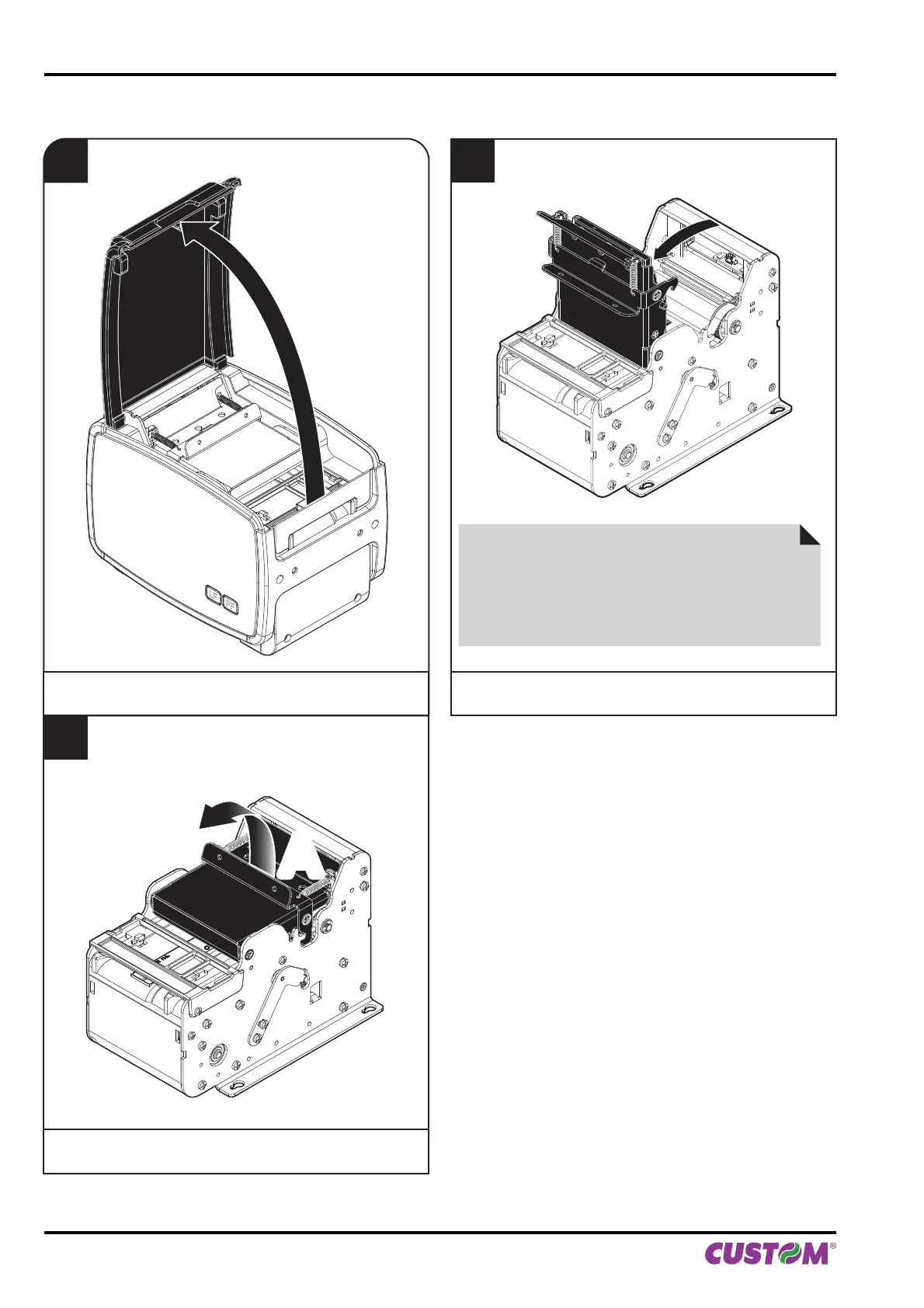
To adjust the mobile sensor position according to the notch position on paper, proceed as follows:
1
Lift the palstic cover.
for B202H
2
Lift up the printing head group using
the hook (A) located on the cover.
ATTENTION:
Do not touch the head heating line with bare hands or
metal objects.
Do not perform any operation inside the printer immedi-
ately after printing because the head and motor tend to
become very hot.
FF
LF
A
3
Open the printing head group
to the vertical up position.
4. OPERATION
44 KPM150H-AERO User manual



 To Next Page