5.6 Calendar clock
The printer is equipped with a Real Time Clock. During power-up, held down the LINE FEED key to enter in the printer
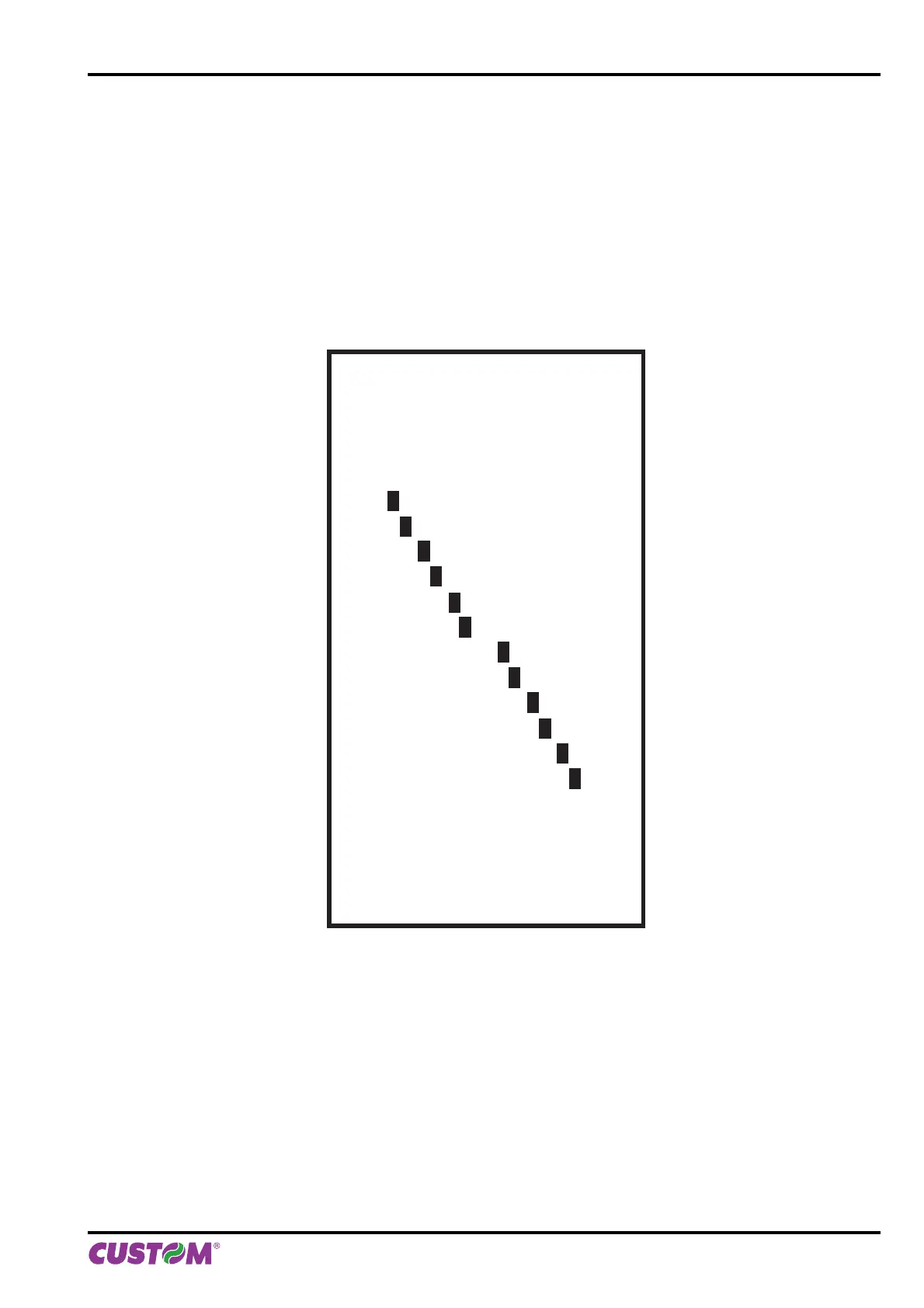
confi guration mode. Pressing both the LF and FF keys to enter in the clock confi guration (see following fi gure).
Pressing the LINE FEED key to modify date / time; the printer will be print the updated the date and time.
Follow the instructions printed on the paper for the key functionality. The highlighted digit (the number is written in
negative mode) indicates the digit to be modifi ed. Pressing LINE FEED key to modify the value of the highlighted
digit; every single LINE FEED key pressure increases of 1 his value. Once the value 9 is reached the counting starts
again from 0.
Pressing FORM FEED key to move the cursor on the next digit; if the cursor position is on the latest digit you can
proceed to next parameter pressing the FORM FEED key again.
CLOCK SETUP
[LF] to modify date/time
[FF] to next field
01/01/13 12:00:00
01/01/13 12:00:00
01/01/13 12:00:00
01/01/13 12:00:00
01/01/13 12:00:00
01/01/13 12:00:00
01/01/13 12:00:00
01/01/13 12:00:00
01/01/13 12:00:00
01/01/13 12:00:00
01/01/13 12:00:00
01/01/13 12:00:00
Date Time Setting :
01/01/13 12:00:00
5. CONFIGURATION
User manual KPM150H-AERO 65



 To Next Page