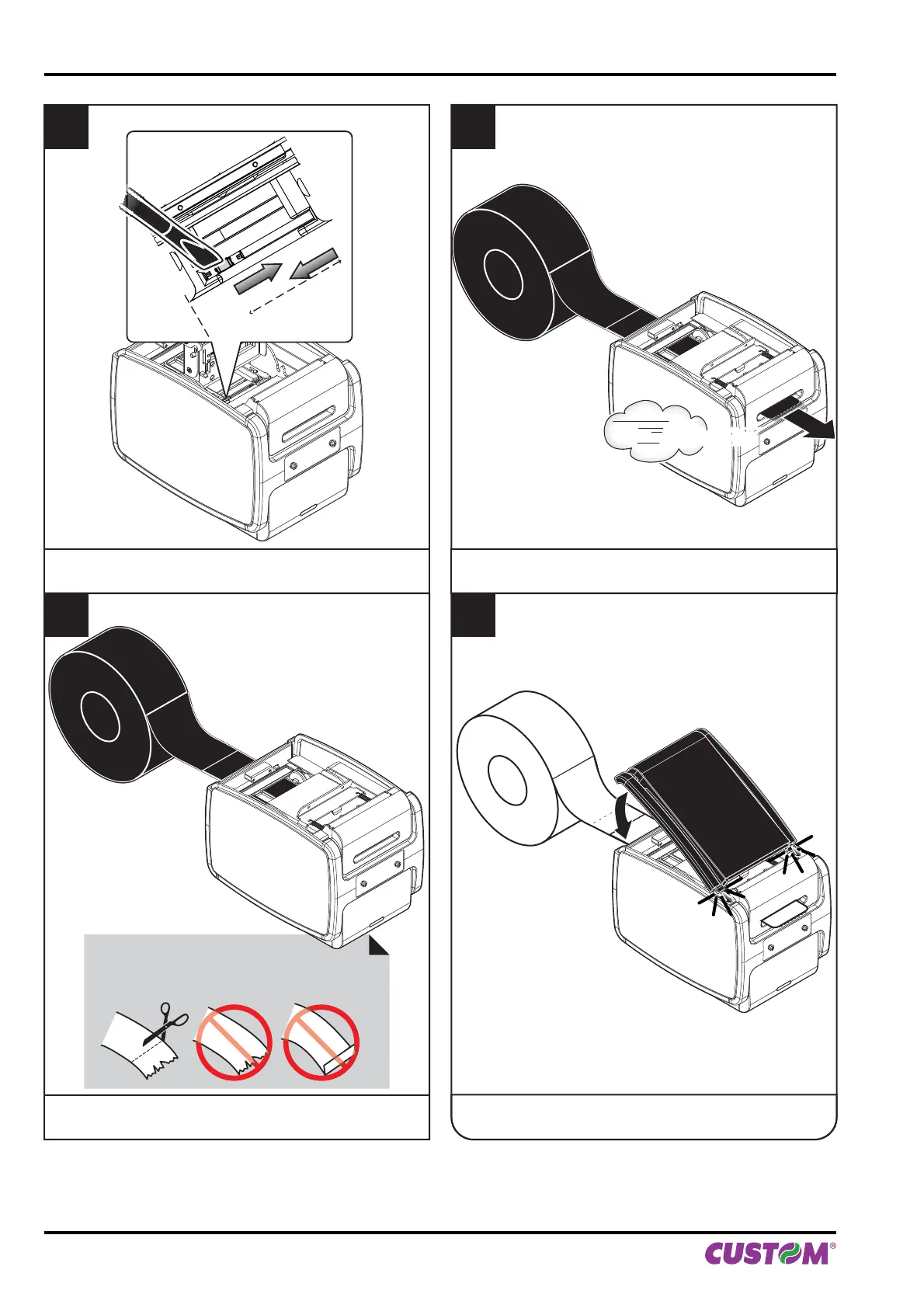
5
Adjust the position of lower mobile sensor of notch
(see previous paragraphs).
7
Wait for the paper to load automatically.
6
Insert the paper.
8
Insert the plastic upper cover and lower it
to close the printer.
VROOM
ATTENTION:
Make sure the cut is straight.
4. OPERATION
50 KPM150H-AERO User manual



 To Next Page