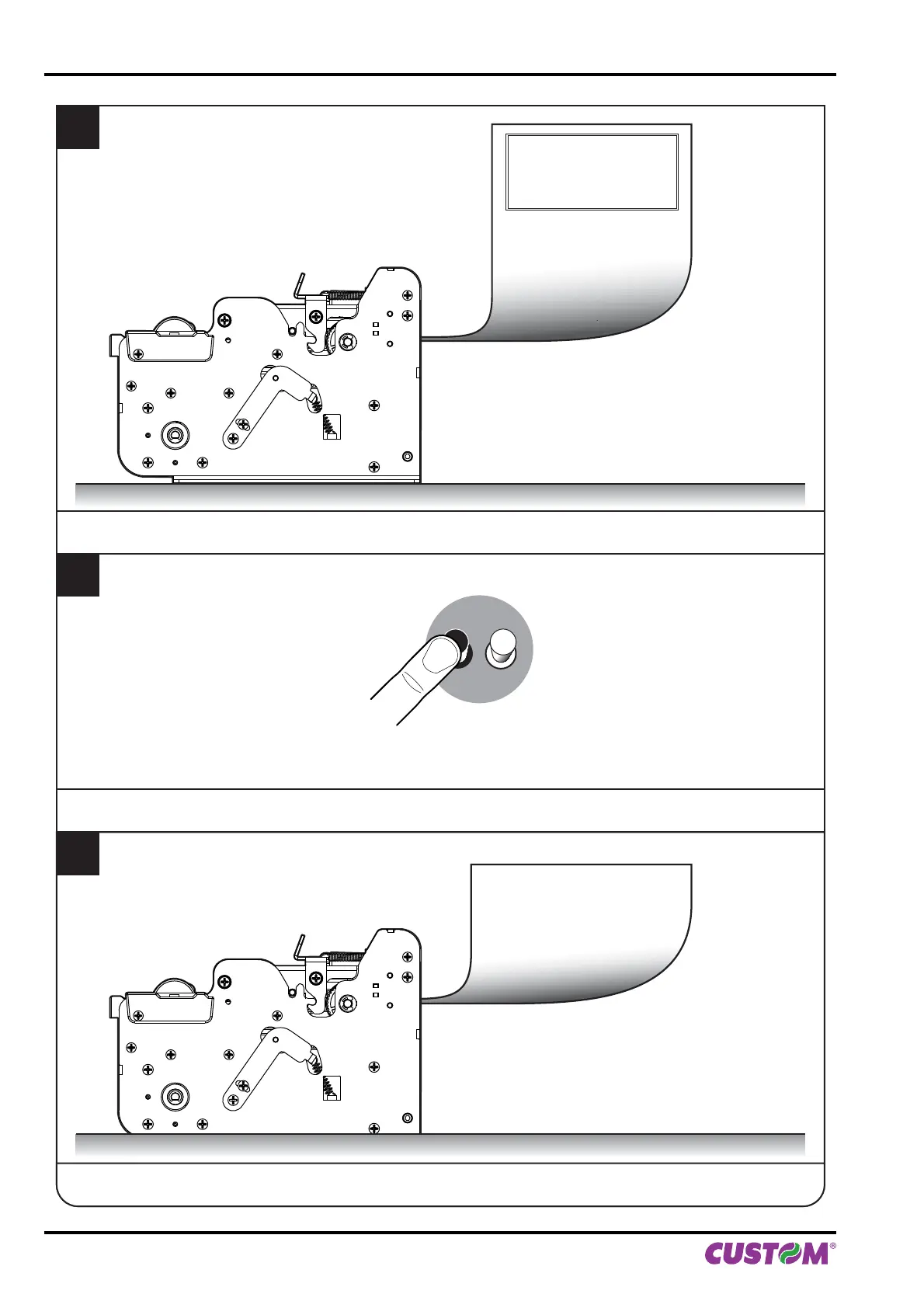
LF FF
LINE FEED
KEY
3
Press the LINE FEED key to enter the configuration mode.
4
Proceed with the configuration by using the keys according the functions printed on paper (see paragraphs 2.5
and 2.6). For description and values of setup parameters, see the following paragraphs.
2
The device prints a SETUP report.
PRINTER
ETTIN
PRINTER TYPE .................................KPM1
Barcode Reader.................................Not prese
RFID Module ......................................Not present
PRINTING HEAD TYPE.....................SHECT56
INTERFACE .......................................RS232
PROGRAM MEMORY TEST.............
KPM150H AERO ST
SCODE: < code > - rel 1.00
BCODE: < code > - rel 1.00
FCODE: < code > - rel 1.00
mCODE: < code > - rel 1.00
UCODE: < code > - rel 1.00
DCODE: < code > - rel 2.00
CPLD - rel 1.10
Printer Emulation.......... :
5. CONFIGURATION
56 KPM150H-AERO User manual



 To Next Page