5.2 Setup report
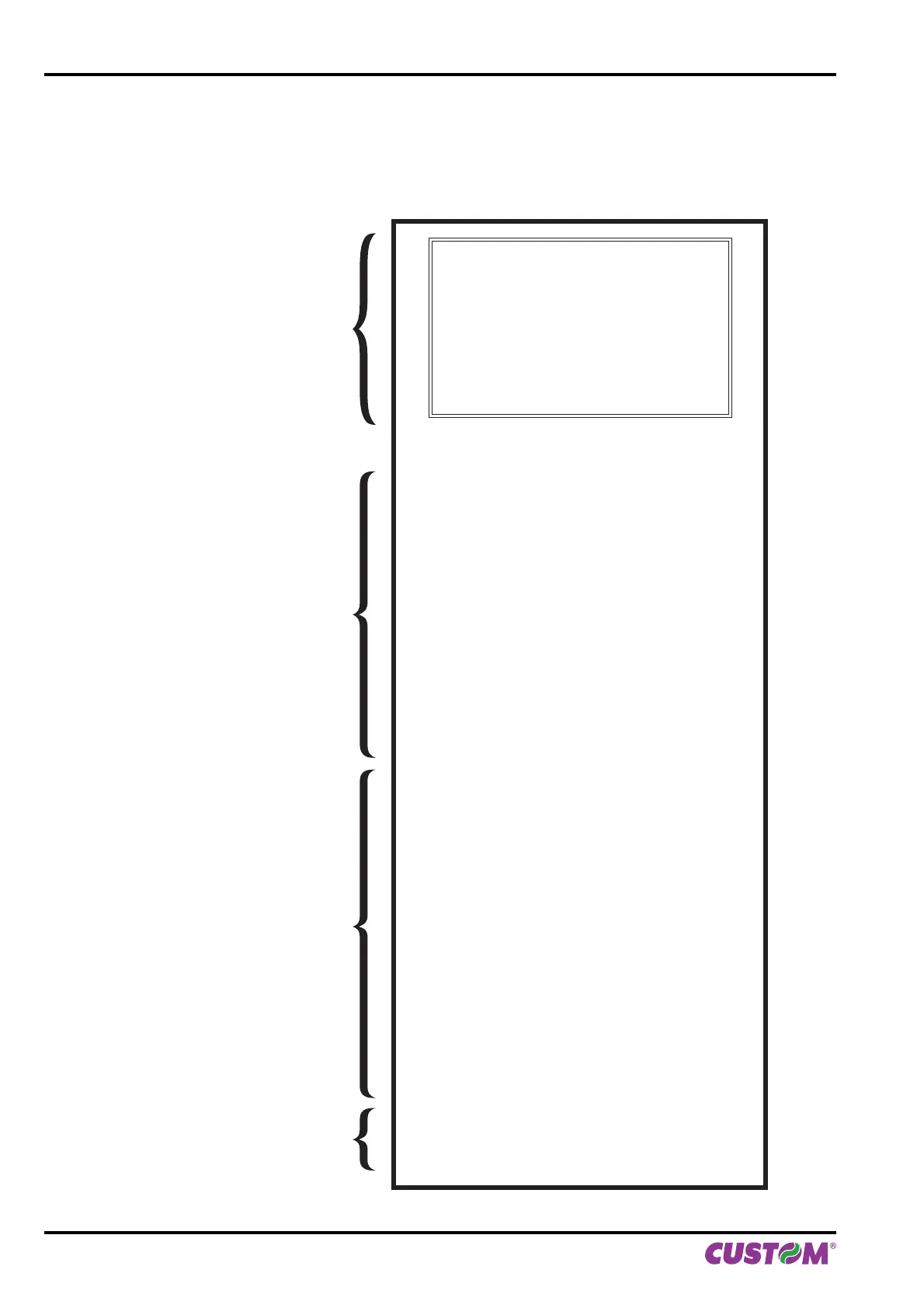
The following fi gures show the setup reports of printer models. The shown values for parameters are sample values;
for the list and the description of printer and Ethernet parameters see the following paragraphs.
PRINTER SETTINGS
PRINTER TYPE ............................................KPM150H
Barcode Reader............................................Not Present
RFID module .................................................Not Present
PRINTING HEAD TYPE................................SHEC T56
INTERFACE ..................................................RS232
PROGRAM MEMORY TEST.........................OK
DYNAMIC RAM TEST...................................OK
EEPROM TEST.............................................OK
CUTTER TEST..............................................OK
PRINTER HEAD Rav....................................700
HEAD VOLTAGE [V] = 24.15
HEAD TEMPERATURE [°C] = 22
POWER ON COUNTER = 24
PAPER PRINTED [cm] = 2580
CUT COUNTER = 38
DATE - TIME = 22/04/13 09:30
Printer Emulation......................................: SERVICE
RS232 Baud Rate ....................................: 9600 bps
RS232 Data Length..................................: 8 bits/chr
RS232 Parity............................................: None
USB Mass Storage...................................: Enabled
USB Address Number..............................: 0
Print Mode................................................: Normal
Speed / Quality.........................................: High Speed
Paper Threshold.......................................: 40%
Notch/B.Mark Position..............................: Transparence
Notch/B.Mark Threshold...........................: 20%
USB Virtual COM......................................: Disabled
Near Paper End........................................: Disabled
Barcode ID 4 ............................................: Code128
Vertical Scale [%] .....................................: +00.0
Presenter Offset [mm] ..............................: +00
Align ticket................................................: Disabled
RFID Encoding.........................................: AEA standard
[LF] enter Printer Setup
[LF+FF] enter Clock Setup
[FF] skip Setup
KPM150H AERO ST
SCODE: < code > - rel 1.00
BCODE: < code > - rel 1.00
FCODE: < code > - rel 1.00
mCODE: < code > - rel 1.00
UCODE: < code > - rel 1.00
DCODE: < code > - rel 2.00
CPLD - rel 1.10
PRINTER NAME and
FIRMWARE RELEASE
PRINTER STATUS
PRINTER PARAMETERS
KEYS FUNCTIONS
5. CONFIGURATION
58 KPM150H-AERO User manual



 To Next Page