9
EXCEL V+ OPERATOR MANUAL
D2325, REV A, 2/19
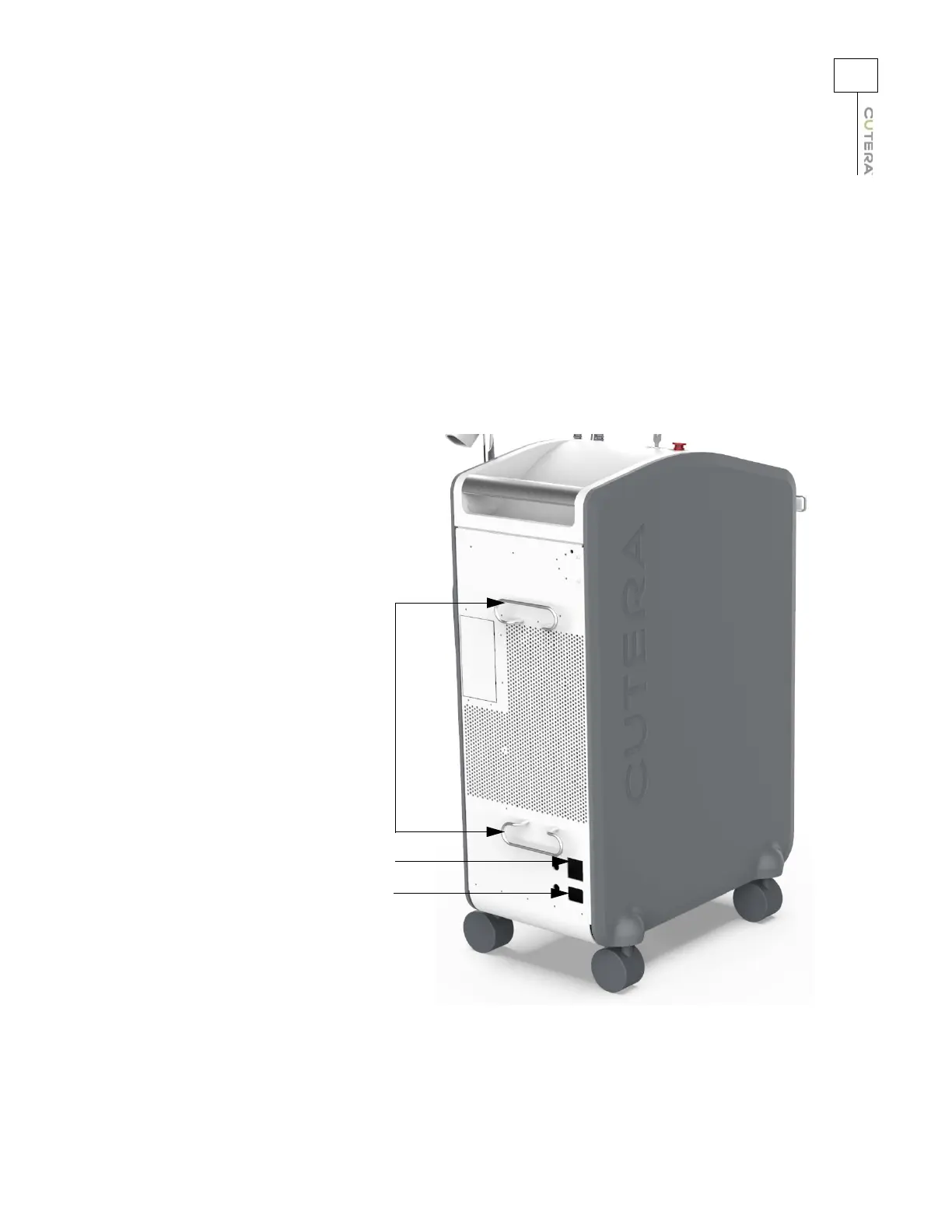
Connecting the Main Power Cable
1. Ensure that the system main power circuit breaker is OFF (down) and that the system
keyswitch is in the O (OFF) position.
2. Insert the receptacle end of the power cable into the power cable receptacle on the system
and insert the AC plug into the AC wall socket.
3. Insert the mains power cord plug into the appropriate wall socket and turn the main
electrical service ON. Ensure that the main power circuit breaker is in the up (ON) position.
Power cable wrap
Main power circuit breaker
Power cable receptacle



 To Next Page