10
EXCEL V+ OPERATOR MANUAL
D2325, REV A, 2/19
System Basics
Turning On the System
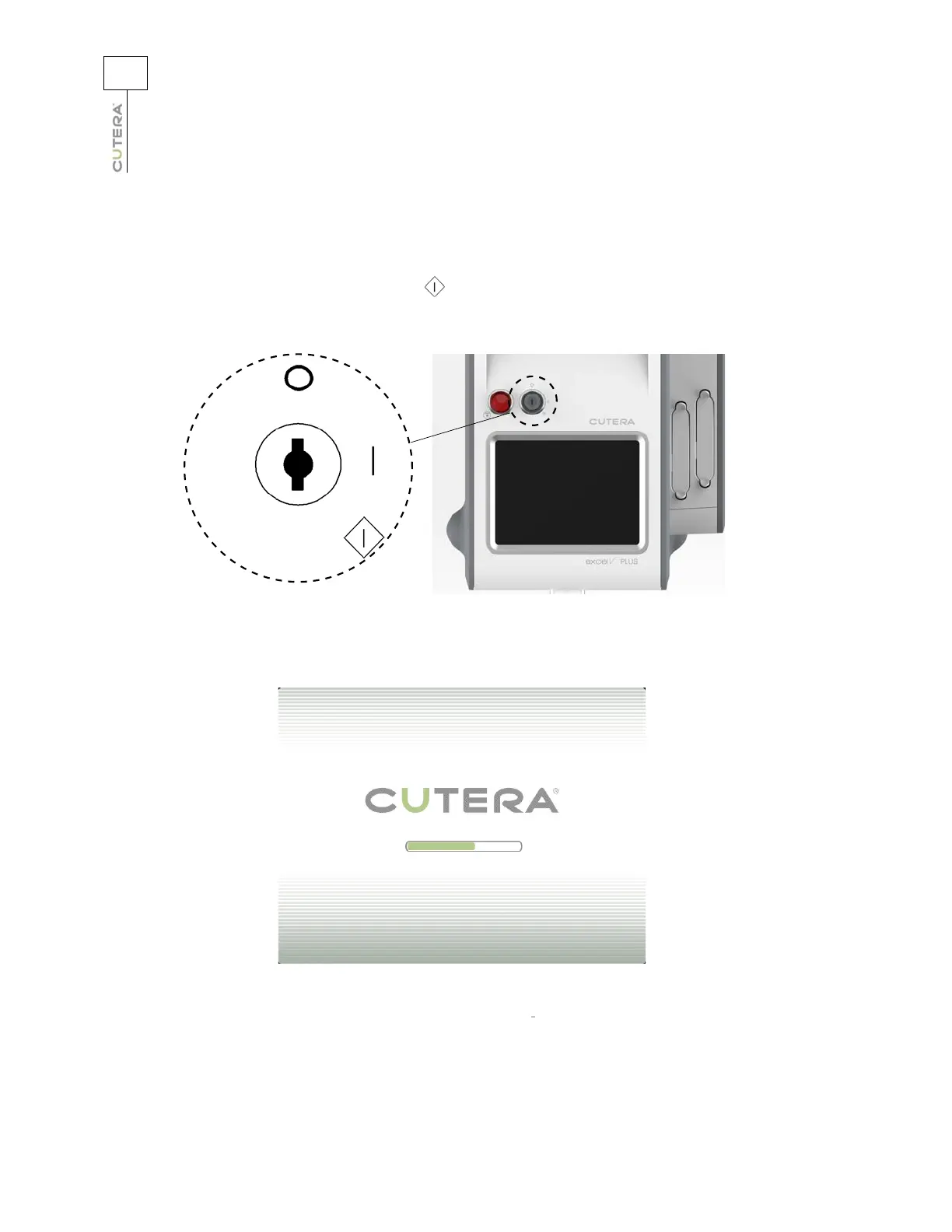
Insert the key in the keyswitch, turn to the (START) position, hold for a full second, and release. Upon
release, the key automatically springs back to the l (ON) position.
The touchscreen displays the start-up screen, and the system begins a self-test routine.
After approximately two minutes, the system emits an audible tone, and the touchscreen displays the
CoolView Select Screen, the Genesis V Treatment Screen
, or the Dermastat Treatment Screen,
depending on which handpiece is connected to the system console. If any fault conditions, advisory
messages or error codes appear in the pop-up display during self-test, refer to the Troubleshooting
section of this operator manual.
Keyswitch



 To Next Page