12
EXCEL V+ OPERATOR MANUAL
D2325, REV A, 2/19
Disconnecting the Handpiece Fiber Connector
To remove the handpiece fiber connector from the fiber receptacle:
1. Unlock the handpiece fiber connector by gently pushing the connector into the fiber
receptacle and then turning counter-clockwise.
2. Remove the fiber connector from the fiber receptacle and replace the protective cap onto
the fiber connector.
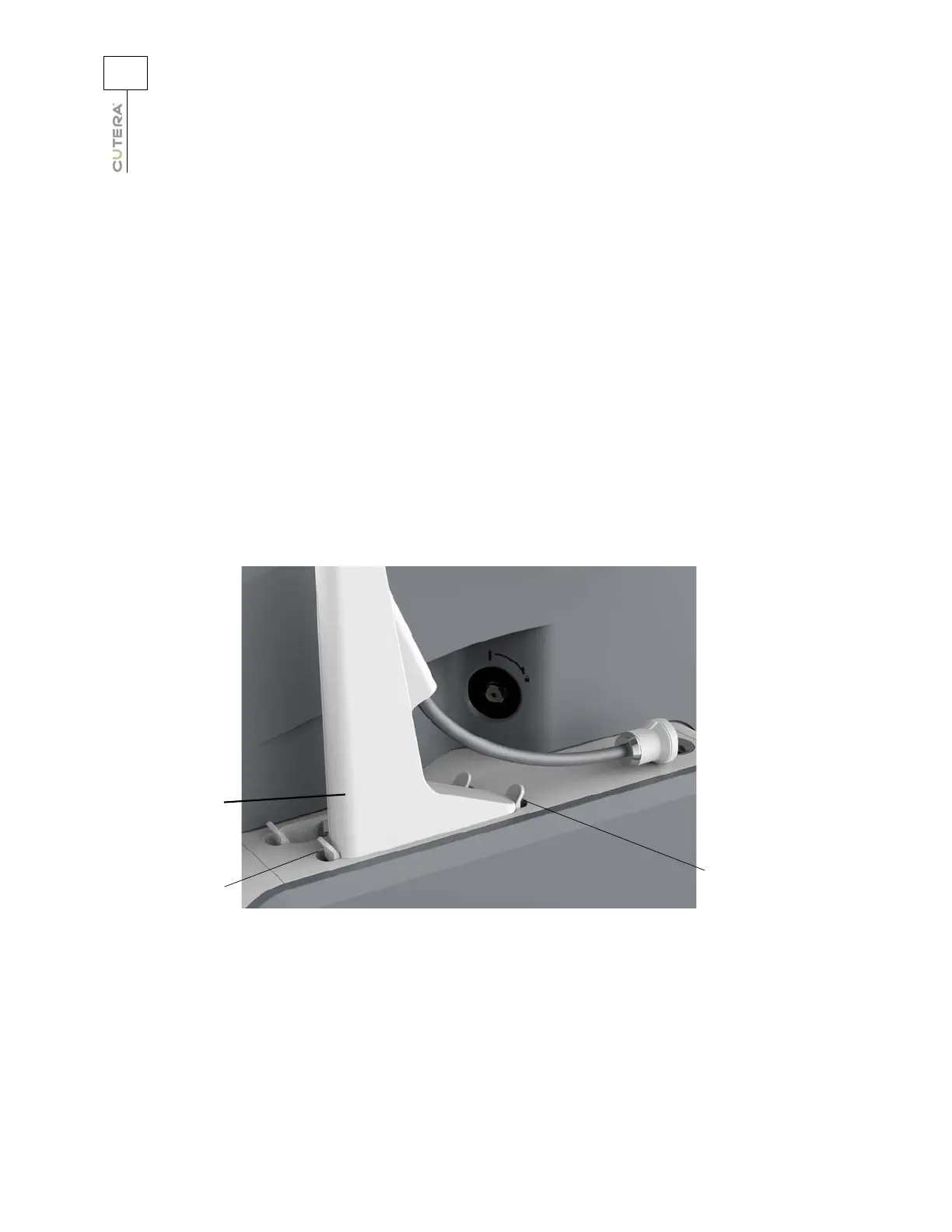
Disconnecting the Handpiece Connector or Dummy Plug
To remove the handpiece connector or dummy plug from the handpiece receptacle:
1. Press down on the front locking tab to release the handpiece connector or dummy plug.
2. Press down and hold the rear locking tab, and gently pull up on the handpiece connector
or dummy plug.
Handpiece
connector
Front locking
tab
Rear locking tab



 To Next Page