26
EXCEL V+ OPERATOR MANUAL
D2325, REV A, 2/19
Audible Tones and Voice Prompts
The excel V+ system console emits a single audible tone with every control screen selection or when an
error condition has occurred. Additionally, an audible laser emission indicator is generated during
treatment exposure.
The excel V+ system console also emits audible voice prompts when a new wavelength is selected or a
new handpiece is connected to the console. For example, if you change the wavelength from 1064 nm
to 532 nm, an audible voice prompts says “532”.
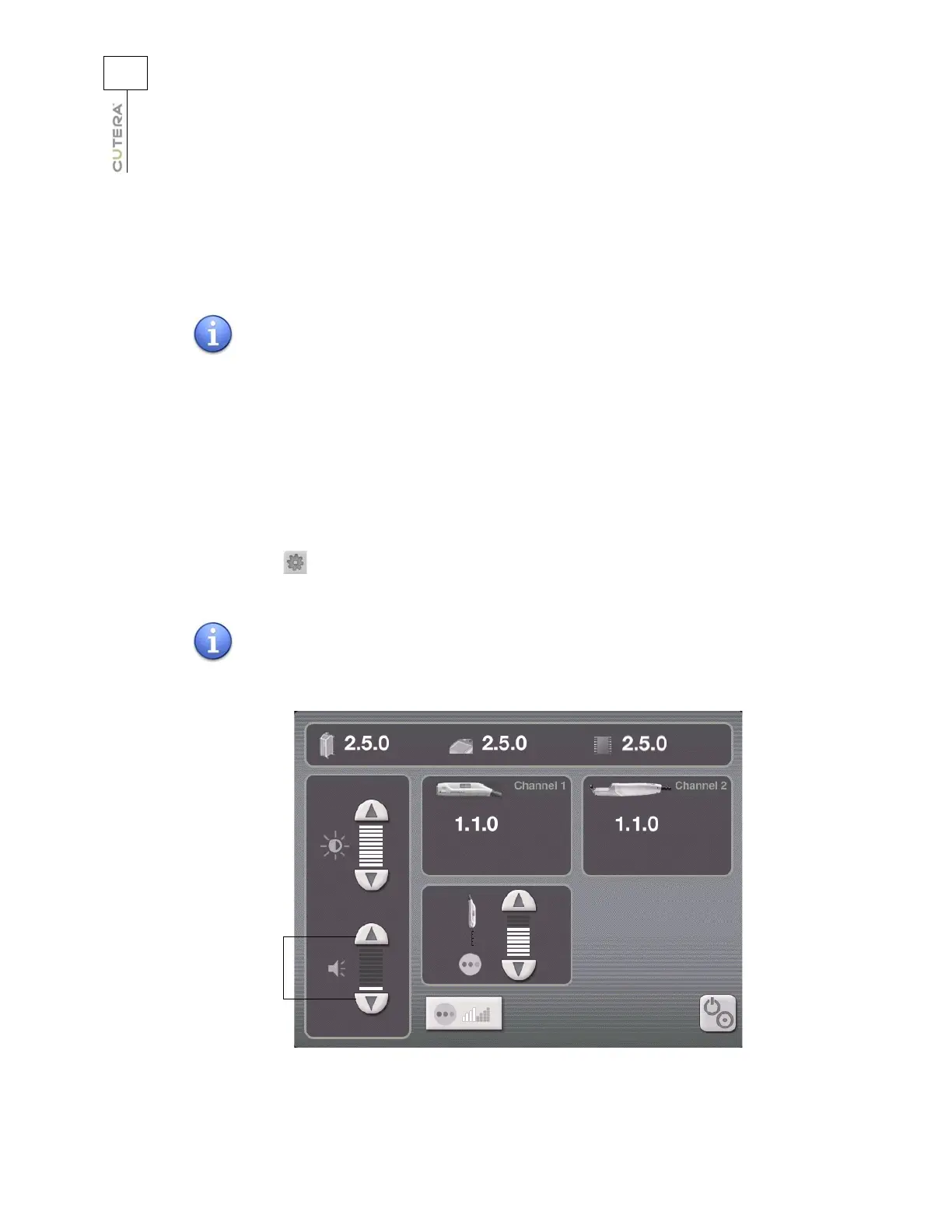
The volume of audible tones and voice prompts can be increased from the minimum setting up to a
setting where the tones and prompts can be clearly heard over the system sound level. To adjust the
volume, press the (info) button on the Treatment Screen to go to the Information & Adjustment
Screen.
NOTE
If the laser output is greater than 120% of the requested energy, the
regular exposure tone is replaced by a higher-pitched tone. If the
laser output is less than 80% of the requested energy, the regular
exposure tone is replaced by a lower-pitched tone.
NOTE
The volume of audible tones and voice prompts cannot be muted.
Location of Volume Controls
(Genesis V Information & Adjustment Screen shown)
Controls for adjusting
volume of laser
emission indicator and
other audible tones
and voice prompts



 To Next Page