42
EXCEL V+ OPERATOR MANUAL
D2325, REV A, 2/19
CAUTION
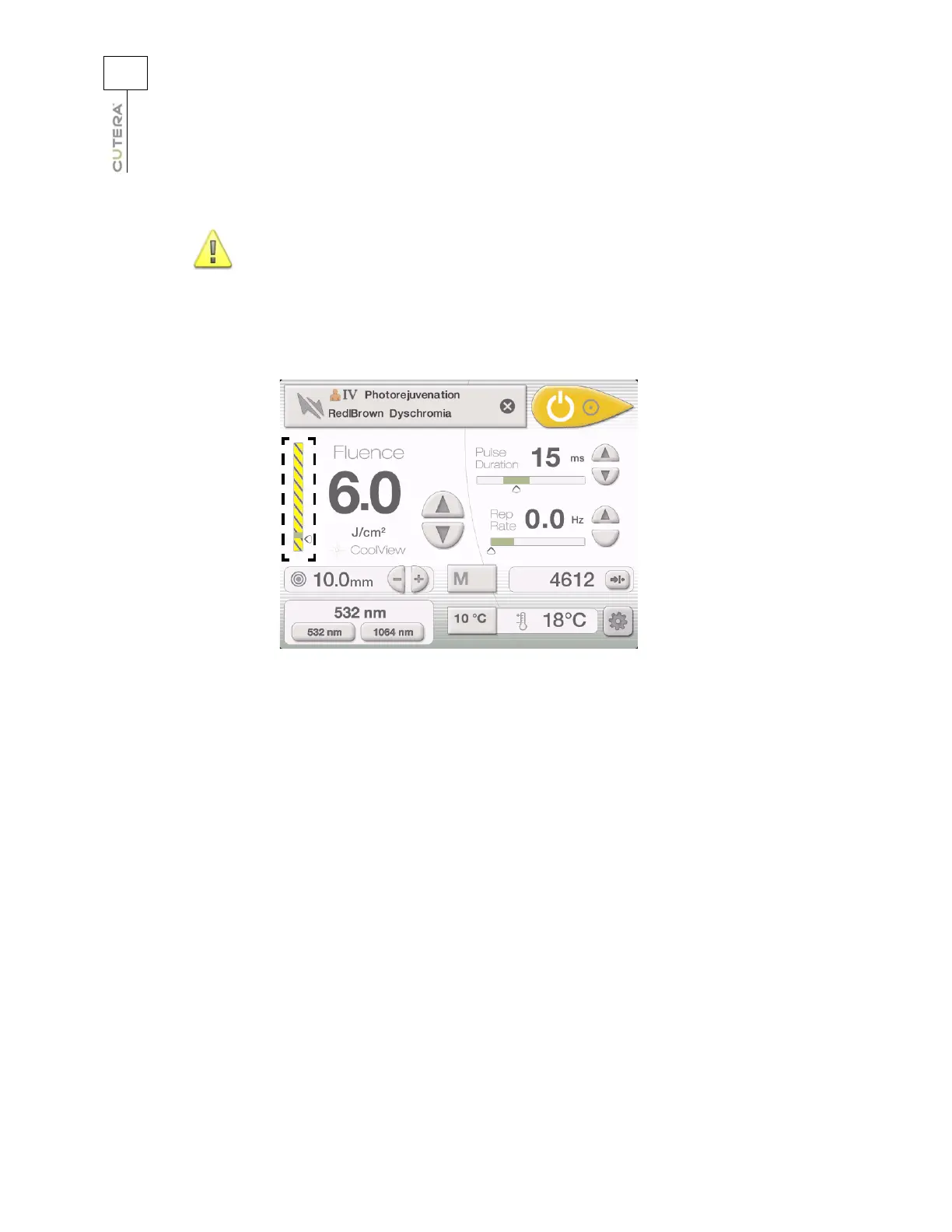
In navigation mode, if you select a fluence, pulse duration or
repetition rate setting that is not within the recommended range of
settings for the specified skin type and application, a black and
yellow bar displays in the corresponding bar indicator to alert you
that the setting is not recommended. You are still able to operate
the laser with the setting, but you should proceed with caution.
CoolView Treatment Screen in Navigation Mode with
Fluence Setting Outside Recommended Range



 To Next Page