65
BIOS AND DRIVER SETTING
BIOS AND DRIVER SETTING
4
4.1 BIOS Settings
4.1.1 BIOS Setup
The board uses UEFI BIOS that is use Serial Peripheral Interface (SPI)
Flash. The SPI Flash contains the BIOS Setup program, POST, the PCI auto-
configuration utility, LAN, EEPROM information, and Serial port support. The
BIOS setup program is accessed by pressing the <Del> key after the Power-
On Self-Test (POST) memory test begins and before the operating system boot
begins. The menu bar is shown below.
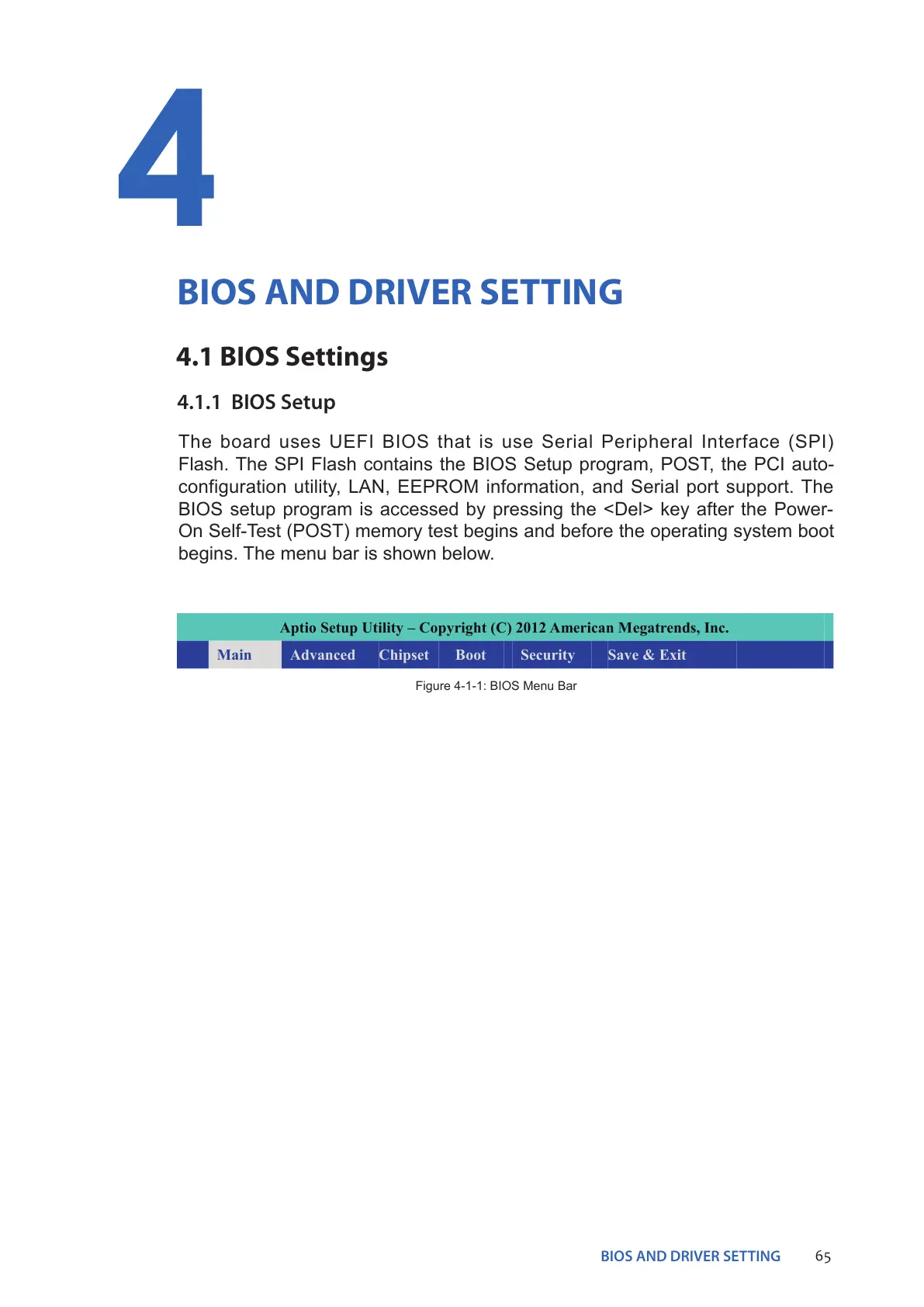
Aptio Setup Utility – Copyright (C) 2012 American Megatrends, Inc.
Main Advanced Chipset Boot Security Save & Exit
Figure 4-1-1: BIOS Menu Bar


 To Next Page