46D-Link DAP-1350 User Manual
Section 3 - Configuration
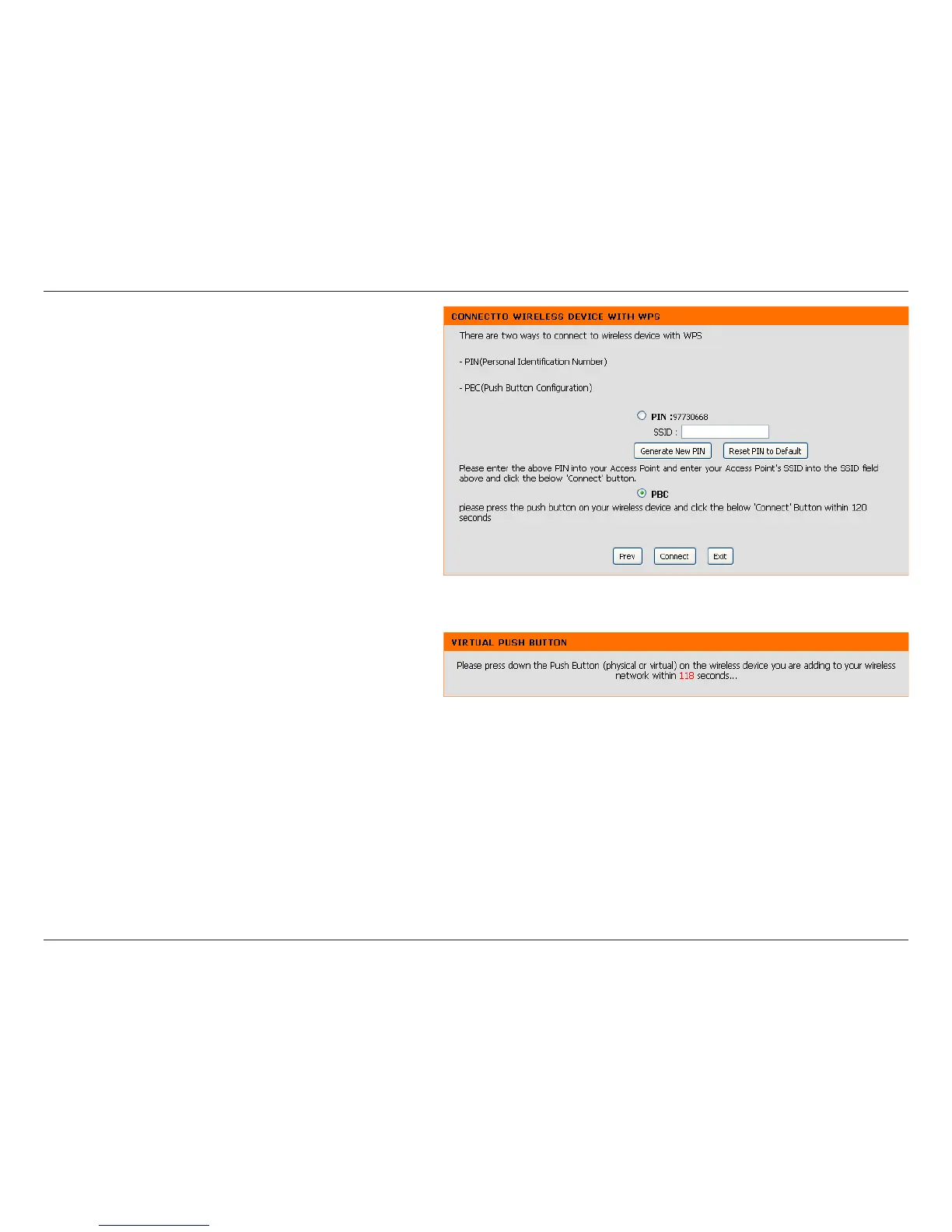
Select PBC to use the Push Button Configuration to
connect to your network.
Click Connect to continue.
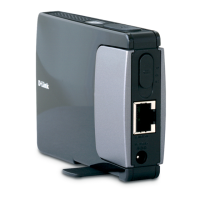
Note: You may also press the WPS button located
on the side of the DAP-1350 instead of running this
wizard.
On the device you want to connect to, start the PBC
process on the device. You will have 2 minutes to
start the PBC process on both devices.


 To Next Page