65D-Link DAP-2360 User Manual
Section 3 - Conguration
QoS
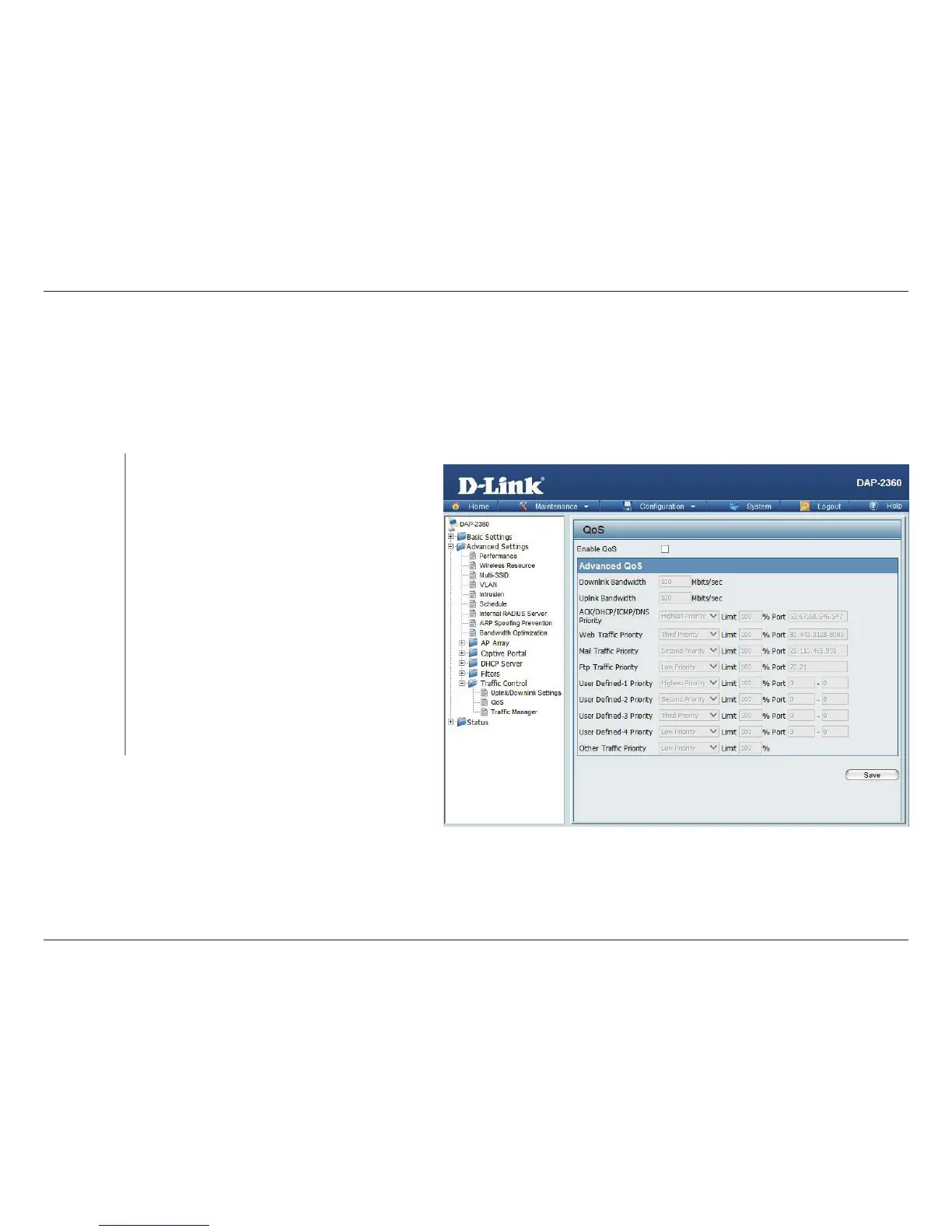
Quality of Service (QoS) enhances the experience of using a network by prioritizing the trac of dierent applications. A QoS
Rule identies a specic message ow and assigns a priority to that ow. For most applications, the priority classiers ensure
the right priorities and specic QoS Rules are not required. QoS supports overlaps between rules. If more than one rule matches
a specic message ow, the rule with the highest priority will be used.
Enable this option if you want to allow QoS to
prioritize your trac Priority Classiers.
Allows the access point to recognize HTTP
transfers for many common audio and video
streams and prioritize them above other trac.
Such streams are frequently used by digital media
players.
When enabled, this option causes the access
point to automatically attempt to prioritize trac
streams that it does not otherwise recognize,
based on the behavior that the streams exhibit.
This acts to de-prioritize streams that exhibit bulk
transfer characteristics, such as le transfers, while
leaving interactive trac, such as gaming or VoIP,
running at a normal priority.
QoS (Quality of
Service):
HTTP:
Automatic:













 To Next Page