78D-Link DAP-2360 User Manual
Section 3 - Conguration
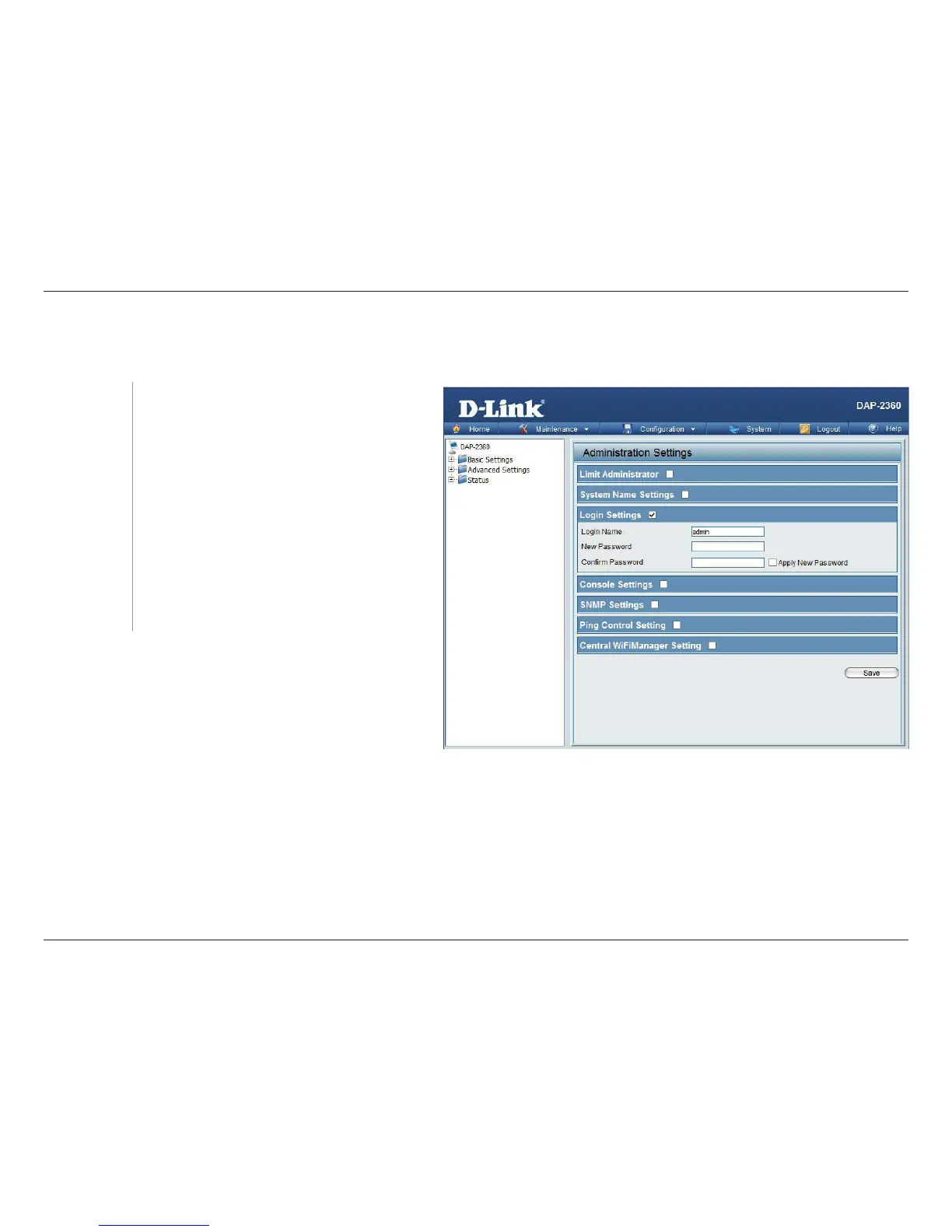
Login Settings
Each of the ve main categories display various hidden administrator parameters and settings.
Enter a user name. The default is admin.
When changing your password, enter the old
password here.
When changing your password, enter the new
password here. The password is case-sensitive.
“A” is a dierent character than “a.” The length
should be between 0 and 12 characters.
Enter the new password a second time for
conrmation purposes.
Login Name:
Old Password:
New Password:
Conrm
Password:













 To Next Page