66D-Link DAP-2360 User Manual
Section 3 - Conguration
Trac Manager
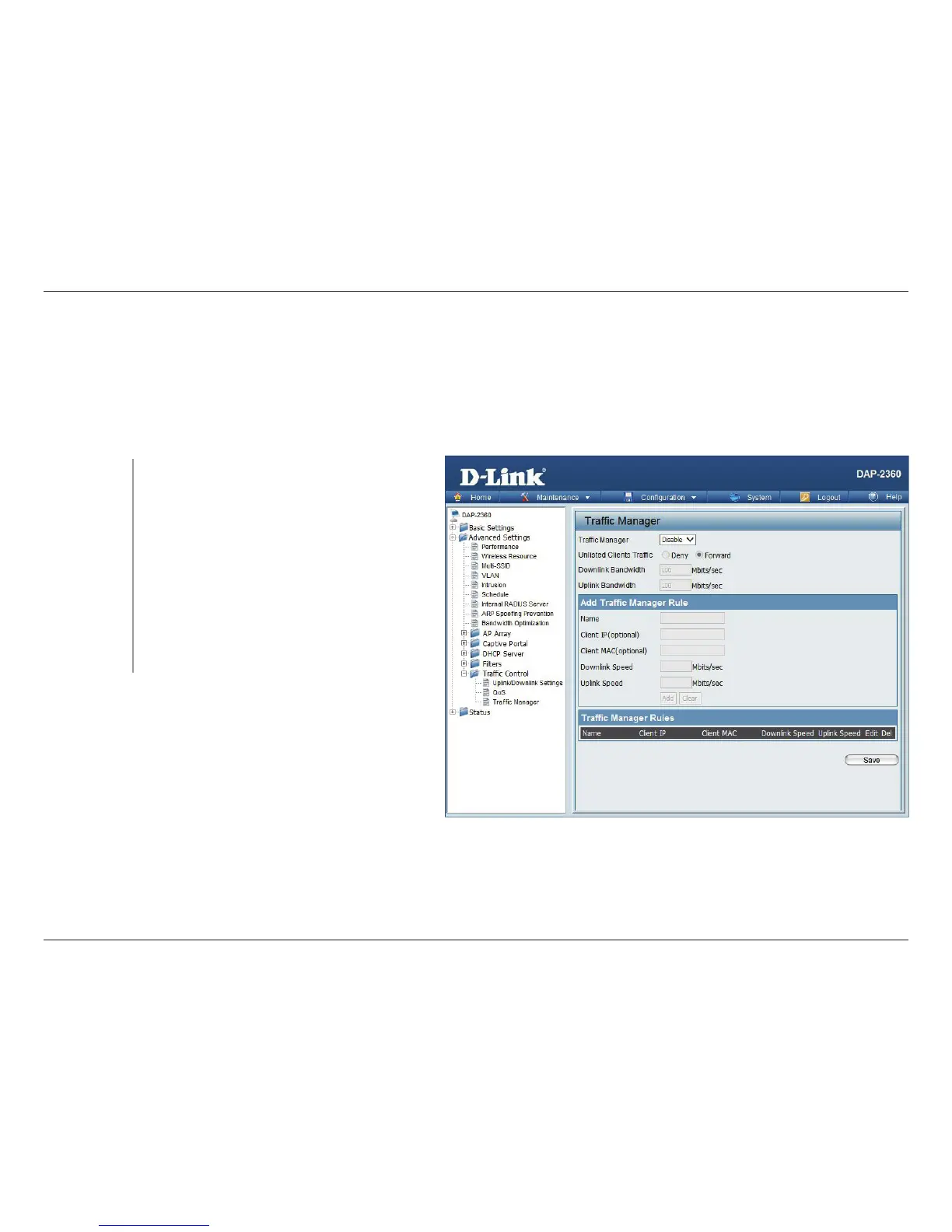
The trac manager feature allows users to create trac management rules that specify how to deal with listed client trac
and specify downlink/ uplink speed for new trac manager rules. Click the Save button to let your changes take eect.
Trac
Manager:
Unlisted Client
Trac:
Downlink
Bandwidth:
Uplink
Bandwidth:
Use the drop-down menu to Enable the trac
manager feature.
Select Deny or Forward to determine how to
deal with unlisted client trac.
The downlink bandwidth in Mbits per second.
This value is entered in the Uplink/Downlink
Setting window.
Uplink Bandwidth:The uplink bandwidth in
Mbits per second. This value is entered in the
Uplink/Downlink Setting window.













 To Next Page