43D-Link DCS-2330L User Manual
Section 3: Conguration
Motion Detection
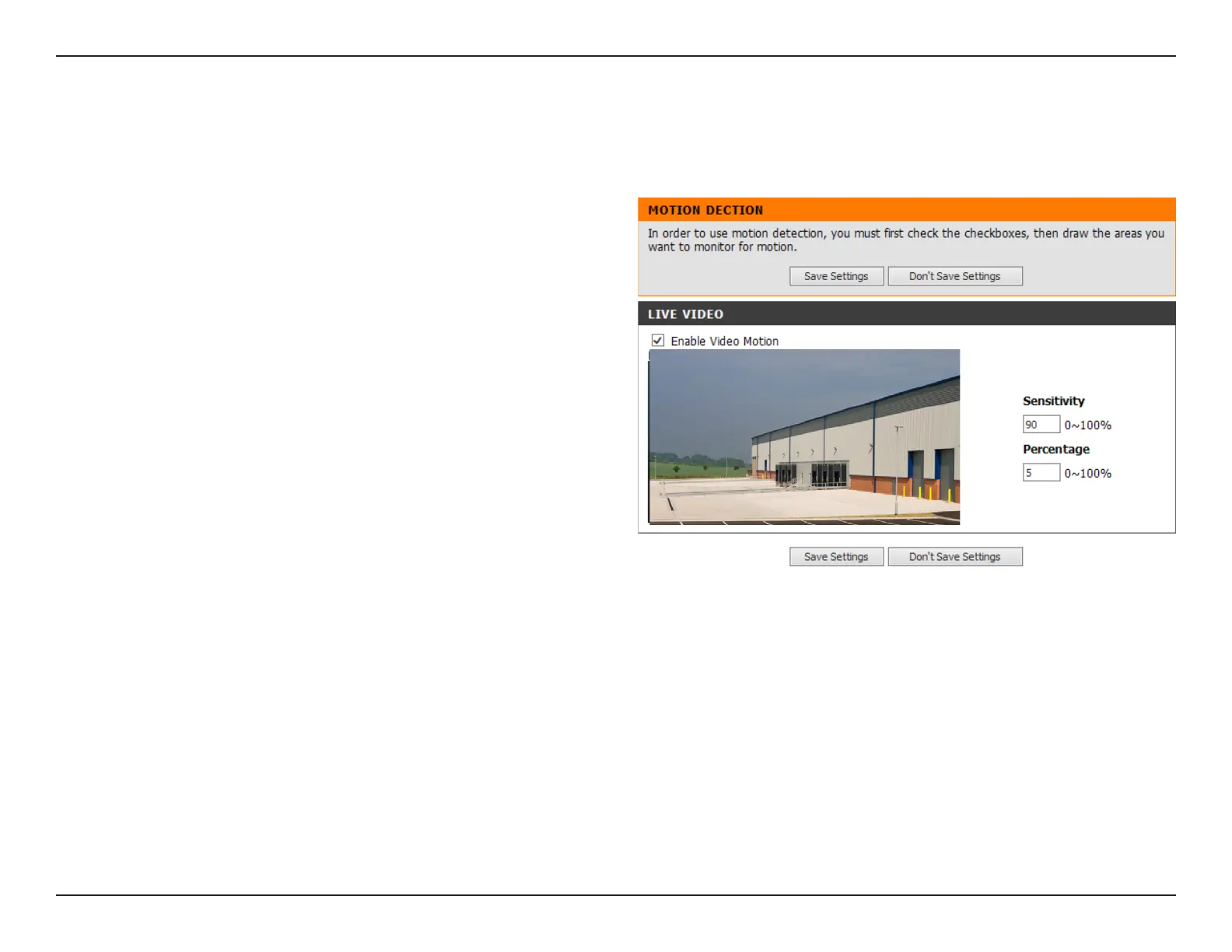
Enabling Video Motion will allow your camera to use the motion detection feature. You may draw a nite motion area that will be used for
monitoring. After making any changes, click the Save Settings button to save your changes.
Enable Video
Motion:
Sensitivity:
Percentage:
Draw Motion Area:
Erase Motion Area:
Select this box to enable the motion detection
feature of your camera.
Species the measurable dierence between two
sequential images that would indicate motion. Please
enter a value between 0 and 100.
Species the amount of motion in the window being
monitored that is required to initiate an alert. If this
is set to 100%, motion is detected within the whole
window will trigger a snapshot.
Draw the motion detection area by dragging your
mouse in the window (indicated by the red square).
To erase a motion detection area, simply click on the
red square that you wish to remove.
Right clicking on the camera image brings up the
following menu options:
Select All: Draws a motion detection area over
the entire screen.
Clear All: Clears any motion detection areas that
have been drawn.
Restore: Restores the previously specied motion
detection areas.


 To Next Page
 Loading...














