9D-Link DCS-2330L User Manual
Section 1: Product Overview
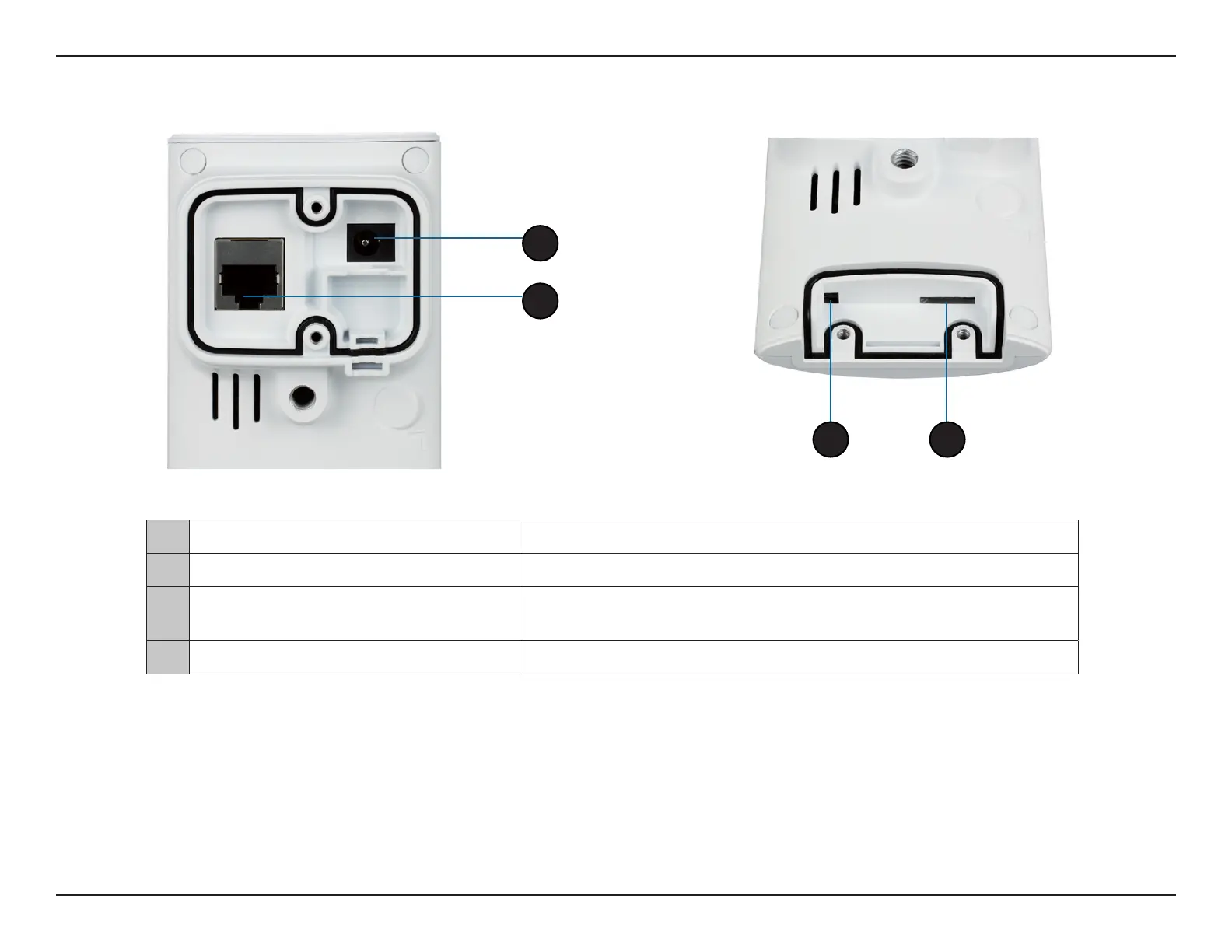
Rear: Internal
1 DC Power Connector
Connected to the included DC 5 V power adapter
2 RJ45 Ethernet Port RJ45 connector for Ethernet
3 Reset Button
Use a paperclip or similar tool to press and hold the recessed button for
10 seconds to reset the camera
4 SD Memory Card Slot
Insert a MicroSD card for for storing recorded images and video
1
2
4
3


 To Next Page
 Loading...














