54D-Link DCS-2330L User Manual
Section 3: Conguration
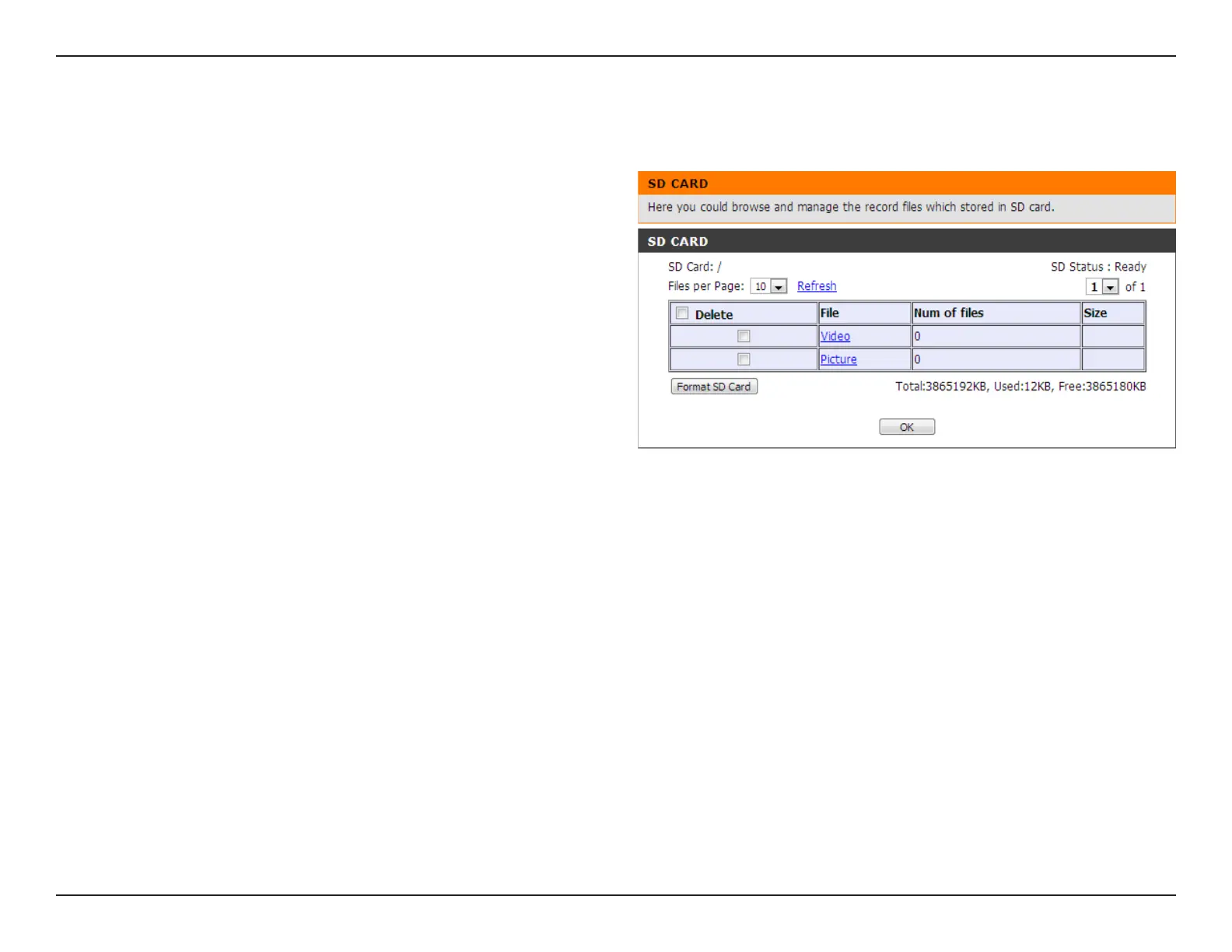
SD Card
Format SD Card:
View Recorded
Picture:
Playback
Recorded Video:
Refresh:
Click this icon to automatically format the SD card
and create "picture" & "video" folders.
If the picture les are stored on the SD card, click on
the picture folder and choose the picture le you
would like to view.
If video les are stored on the SD card, click on the
video folder and choose the video le you would
like to view.
Reloads the le and folder information from the SD
card.
Here you may browse and manage the recorded les which are stored on the SD card.


 To Next Page
 Loading...














