15D-Link DCS-942L User Manual
Section 2 - Installation
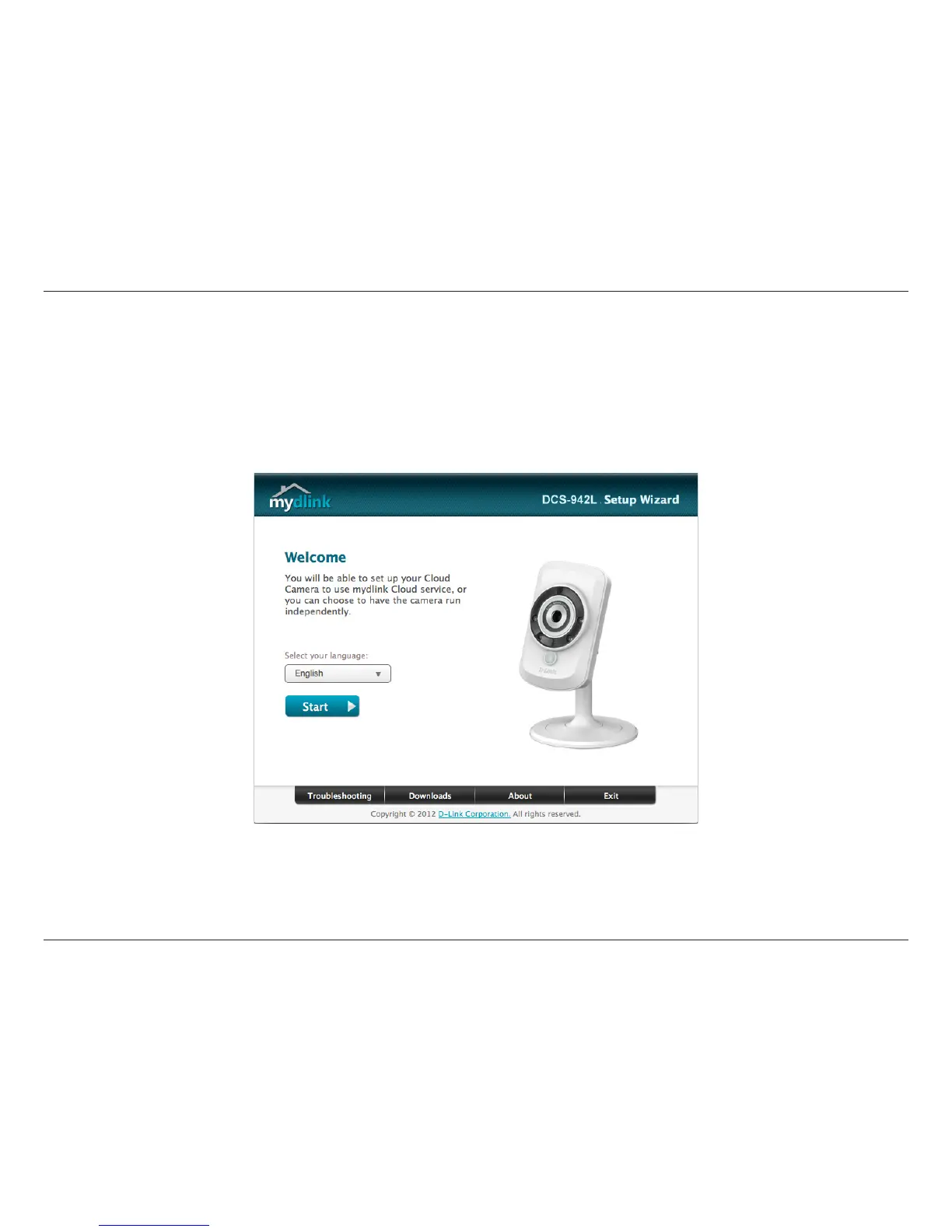
Camera Setup Wizard
Windows Users
If you do not have a CD-ROM drive, or the CD is missing, please download the Setup Wizard from http://www.mydlink.com/support
Insert the Installation CD-ROM into your computer’s optical drive to start the autorun program. If the Setup program does not automatically open
on your computer, go to Start > Run. In the box, type D:\autorun.exe (where D: represents the drive letter of your CD-ROM drive) and click OK.
Simply click Set up your Cloud Camera to go through the Setup Wizard, which will guide you step-by-step through the installation process from
connecting your hardware to conguring your camera and registering it with your mydlink account.

















 To Next Page