47D-Link DCS-942L User Manual
Section 3 - Conguration
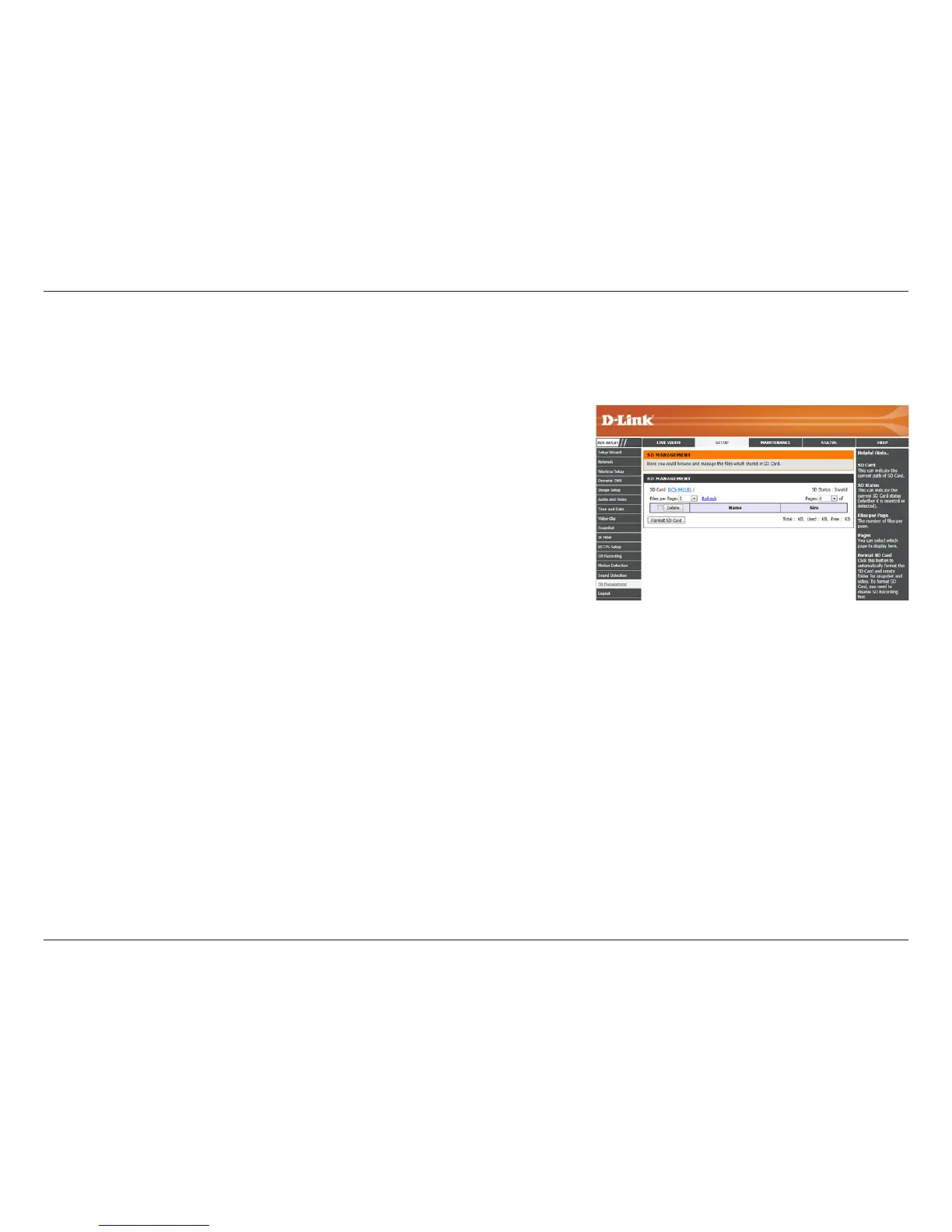
SD Management
This menu option lets you browse and manage the recorded les which are stored in the microSD card.
Format SD Card:
Delete:
Name:
Size:
Refresh:
Files per page:
Pages:
Click this icon to automatically format the microSD card and create a folder for
video.
Click the checkbox in front of the Delete button to select les for deletion. The
Delete button is used to delete the les which are selected.
The name of le on the SD card.
The le’s size.
Click to reload the page and display any new data.
Determines how many les to be shown on a page, up to 100 les.
Shows the current and total number of pages.

















 To Next Page