49D-Link DCS-942L User Manual
Section 3 - Conguration
System
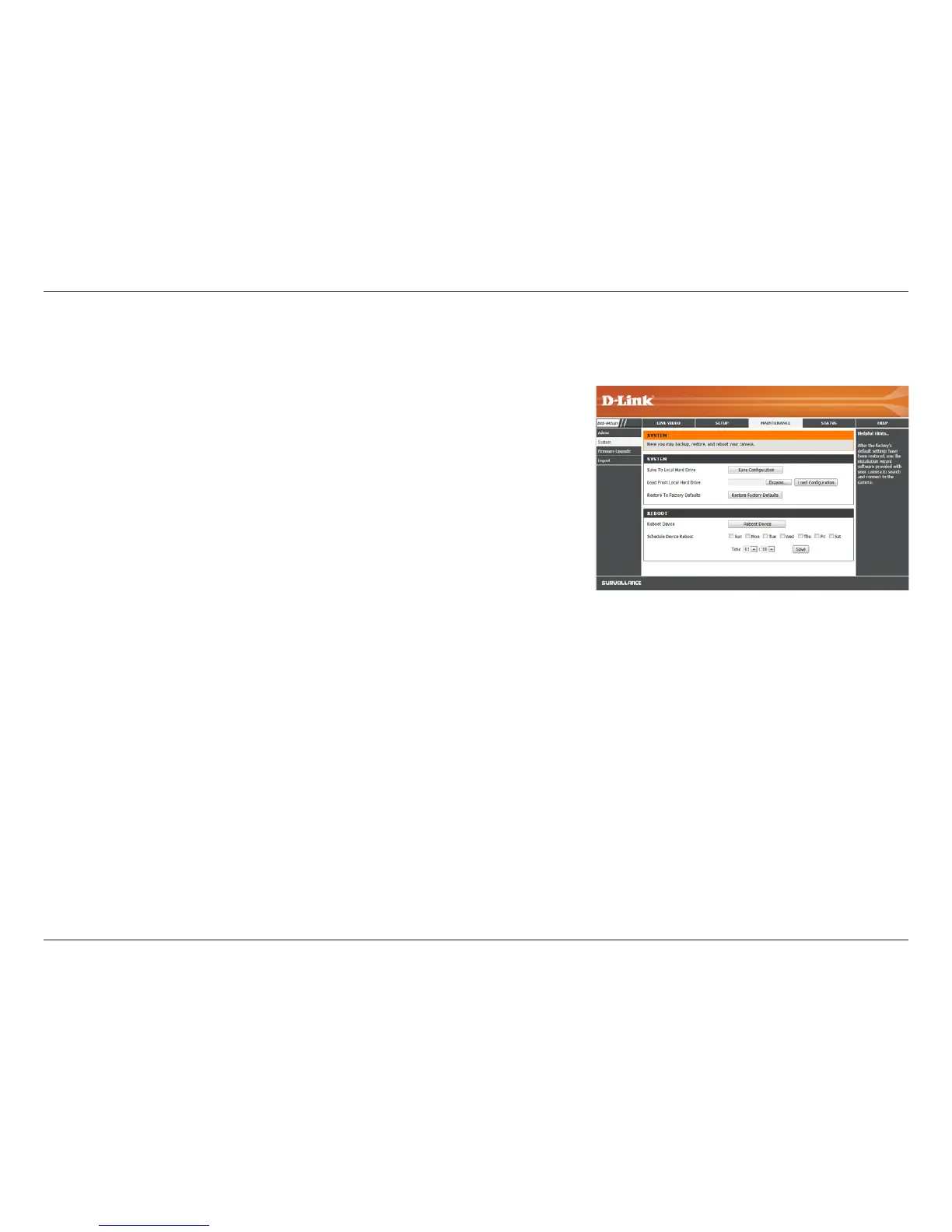
This section allows you to save and restore your conguration, restore the factory settings, and/or restart the camera.
Save To Local
Hard Drive:
Load From Local
Hard Drive:
Restore To
Factory Default:
Reboot The
Device:
Schedule Device
Reboot
You may save your current camera conguration as a le on your computer by
clicking Save Conguration.
Locate a pre-saved conguration by clicking Browse... and then restore the pre-
dened settings to your camera by clicking Load Conguration.
You may reset your camera and restore the factory settings by clicking Restore
Factory Defaults.
This will restart your camera.
You can schedule the camera to reboot according to a schedule. Select the days
and time you want the camera to automatically reboot.

















 To Next Page