24D-Link DPN-101G User Manual
Section 3 - Conguration
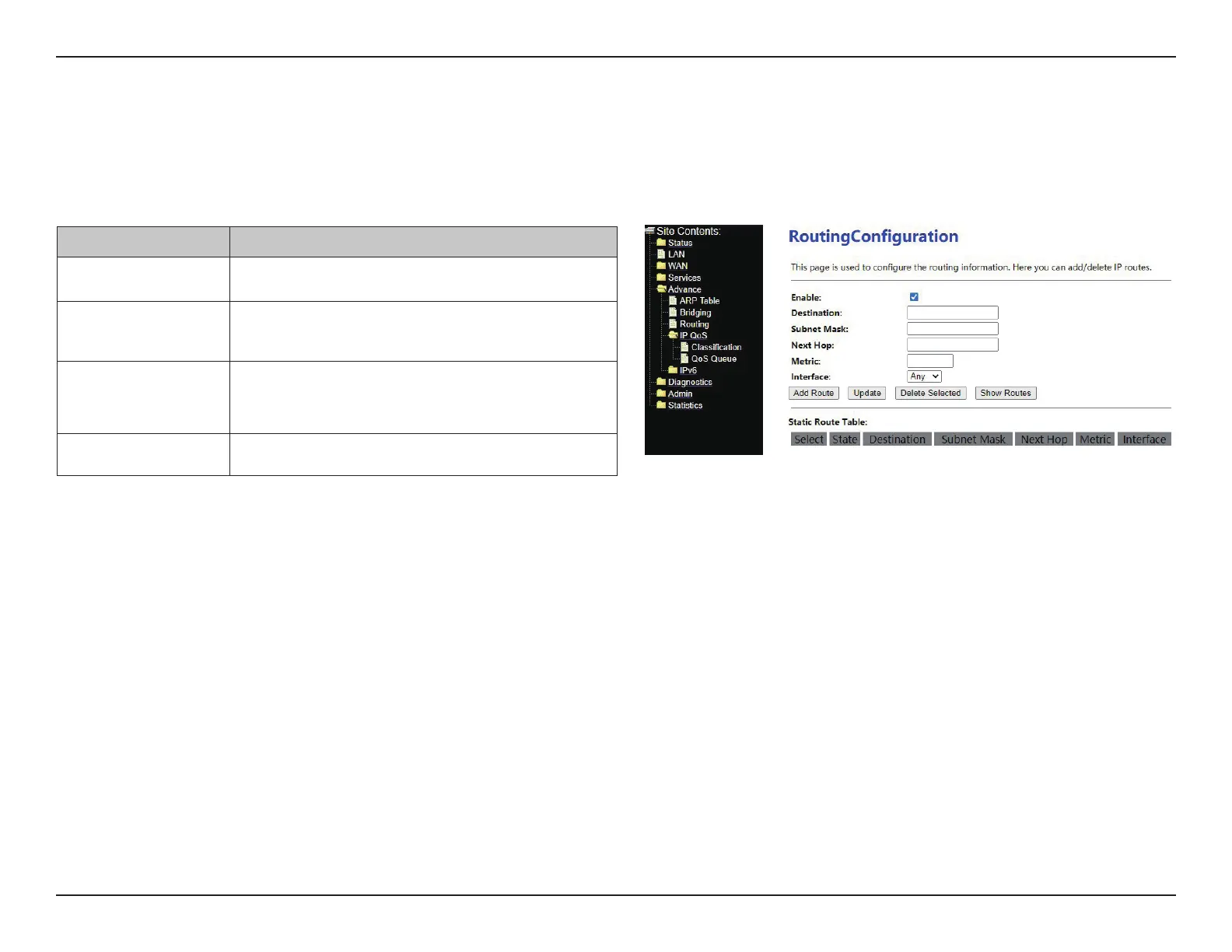
Click Advance > Routing, This page is used to congure the routing information. Here you can add/delete IP routes.
The following table describes the parameters and buttons of this page:
Routing Conguration
Field Description
Destination Enter the IP address of the destination device.
Subnet Mask Enter the subnet mask of the destination device.
Next Hop
You can enter the IP address of the next hop in
the IP route to the destination device
Metric The metric cost for the destination.


 To Next Page