DSL-2600U ADSL/Ethernet Router with Wi-Fi
User Manual
Configuring via Web-based Interface
MAC Filter
The MAC-address-based filtering allows forwarding and blocking traffic subject to the source and
destination MAC addresses.
!
MAC-address-based filtering is active only when the device is configured as a transparent
bridge (the Bridge mode).
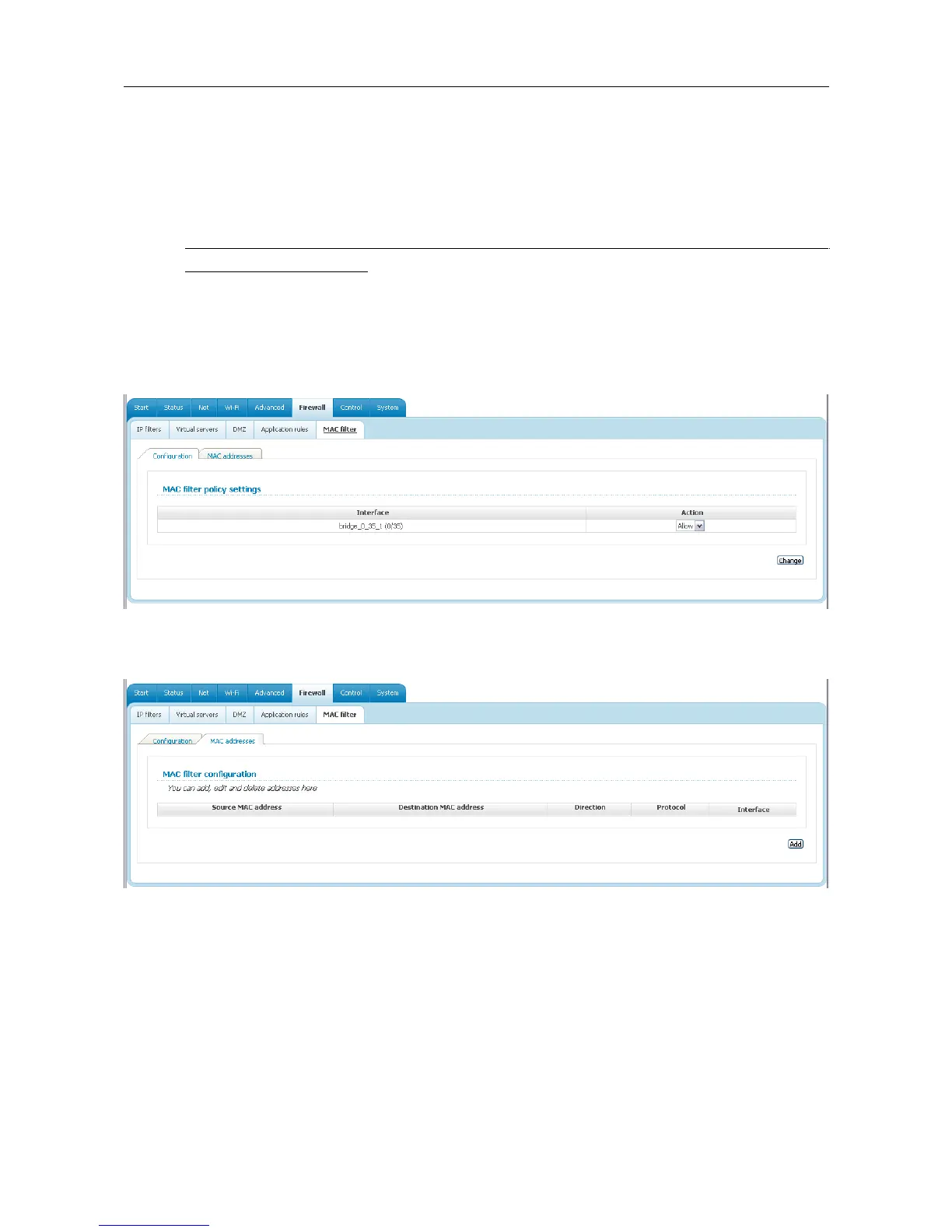
On the Configuration tab, you can select the operating mode of the MAC filter. Select the Allow
value from the Action drop-down list to allow traffic affected by the rules from the MAC
addresses tab and block the other traffic. Select the Deny value from the drop-down list to block
only traffic affected by the rules from the MAC addresses tab.
Figure 90. The Firewall / MAC filter page. The Configuration tab.
To create a new rule, proceed to the MAC addresses tab and click the Add button.
Figure 91. The Firewall / MAC filter page. The MAC addresses tab.
Page 98 of 112















 To Next Page