101D-Link DSL-5300 User Manual
Section 5 - Connecting to a Wireless Network
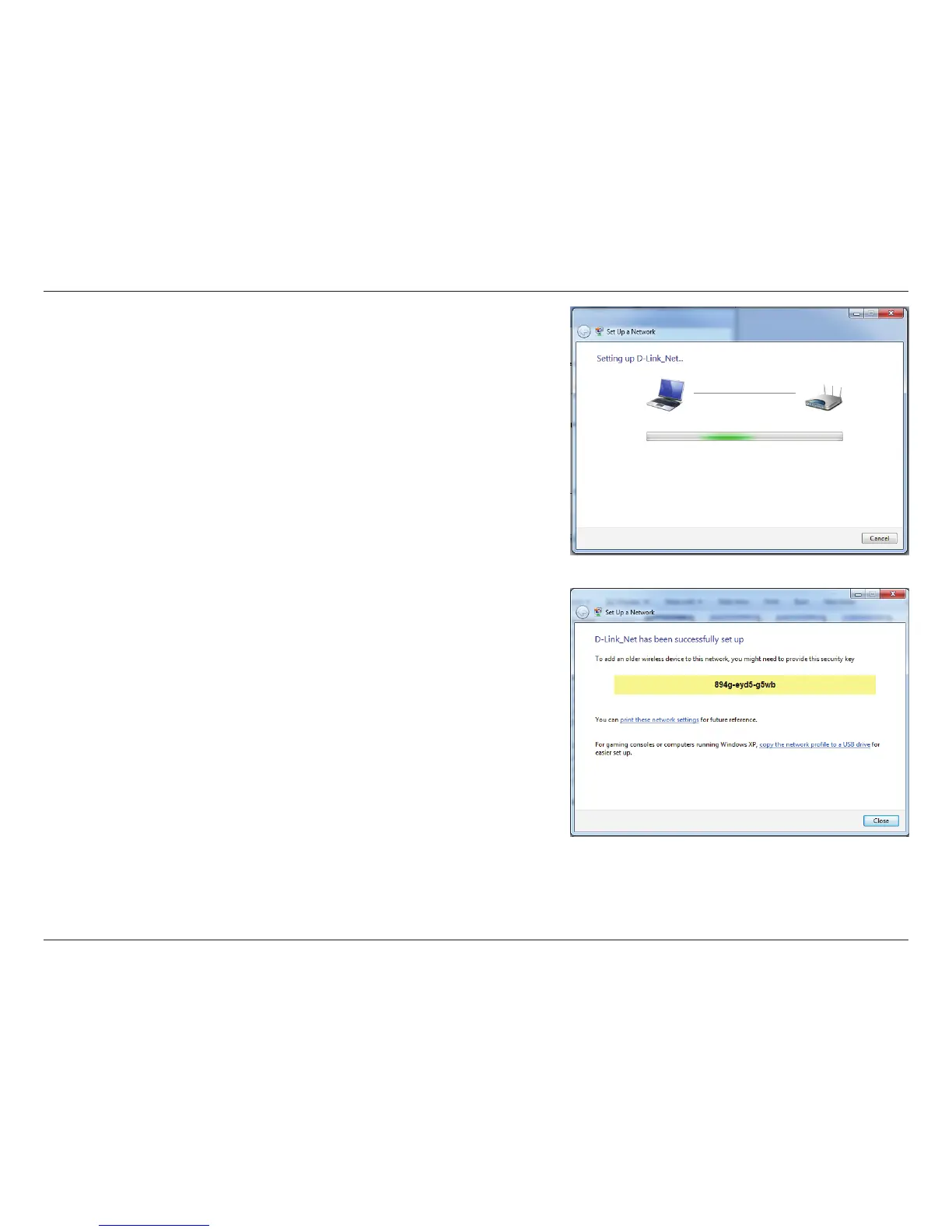
7. The following window appears while the Router is being congured.
Wait for the conguration to complete.
8. The following window informs you that WPS on the router has been
set up successfully.
Make a note of the security key as you may need to provide this
security key if adding an older wireless device to the network in the
future.
9. Click Close to complete WPS setup.



 To Next Page