22D-Link DSL-5300 User Manual
Section 4 - Conguration
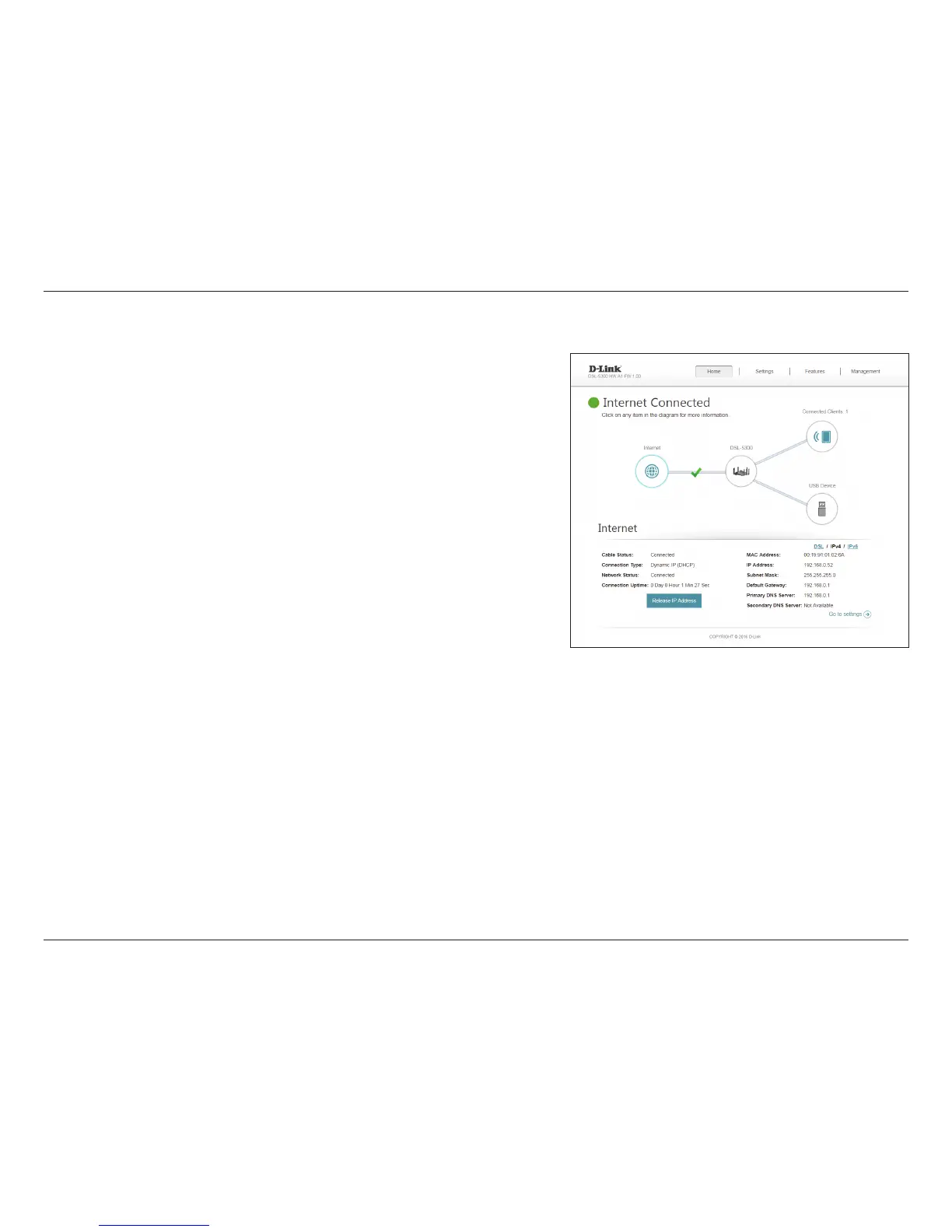
Click the IPv4 button to see the IPv4 information for each WAN interface.
Click the Go to settings button to be taken to Internet on page 29.
IPv4
Cable Status: Displays the current cable connection status.
Connection
Type:
Displays the network protocol used to obtain an IP address.
Network Status: Displays the current network connection status.
Connection
Uptime:
Displays the amount of time the connection has been connected.
Release/Renew
IP Address:
Releases/Renews the current WAN IP address.
MAC Address: The WAN interface's MAC address is listed here.
IP Address: The WAN IP address is listed here.
Default
Gateway:
The default gateway IP address is listed here.
Primary DNS
Server:
Displays the current primary DNS server.
Secondary DNS
Server:
Displays the current secondary DNS server.



 To Next Page