23D-Link DSL-5300 User Manual
Section 4 - Conguration
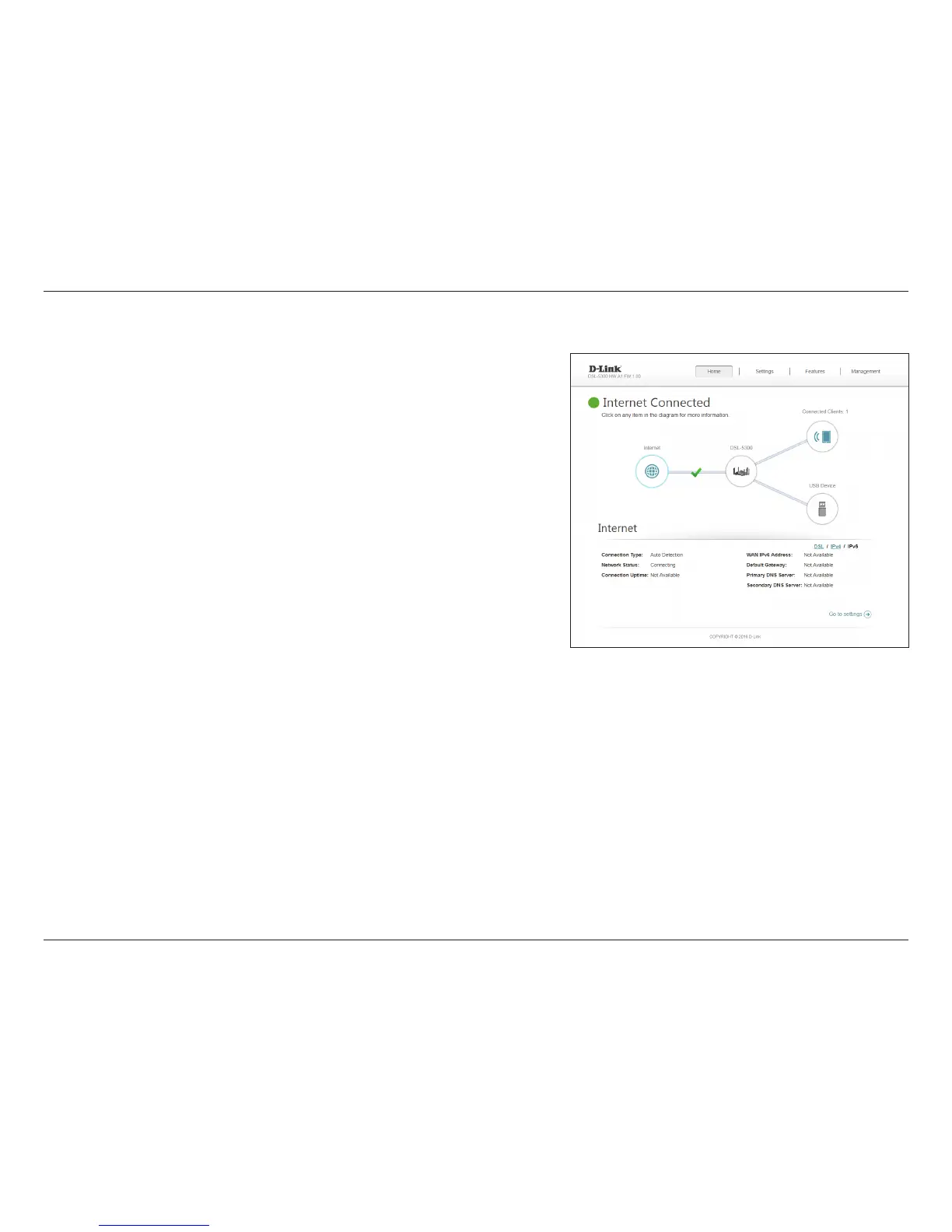
Click the IPv6 button to see the IPv6 information for each WAN interface.
IPv6
Connection
Type:
Displays the network protocol used to obtain an IP address.
Network
Status:
Displays the current network connection status.
Connection
Uptime:
Displays the amount of time the connection has been connected.
WAN IPv6
Address:
The WAN IPv6 address is listed here.
Default
Gateway:
The default gateway IP address is listed here.
Primary DNS
Server:
The primary DNS server IP address is listed here.
Secondary
DNS Server:
The secondary DNS server IP address is listed here.
Click the Go to settings button to be taken to IPv6 on page 45.



 To Next Page