62D-Link DSL-5300 User Manual
Section 4 - Conguration
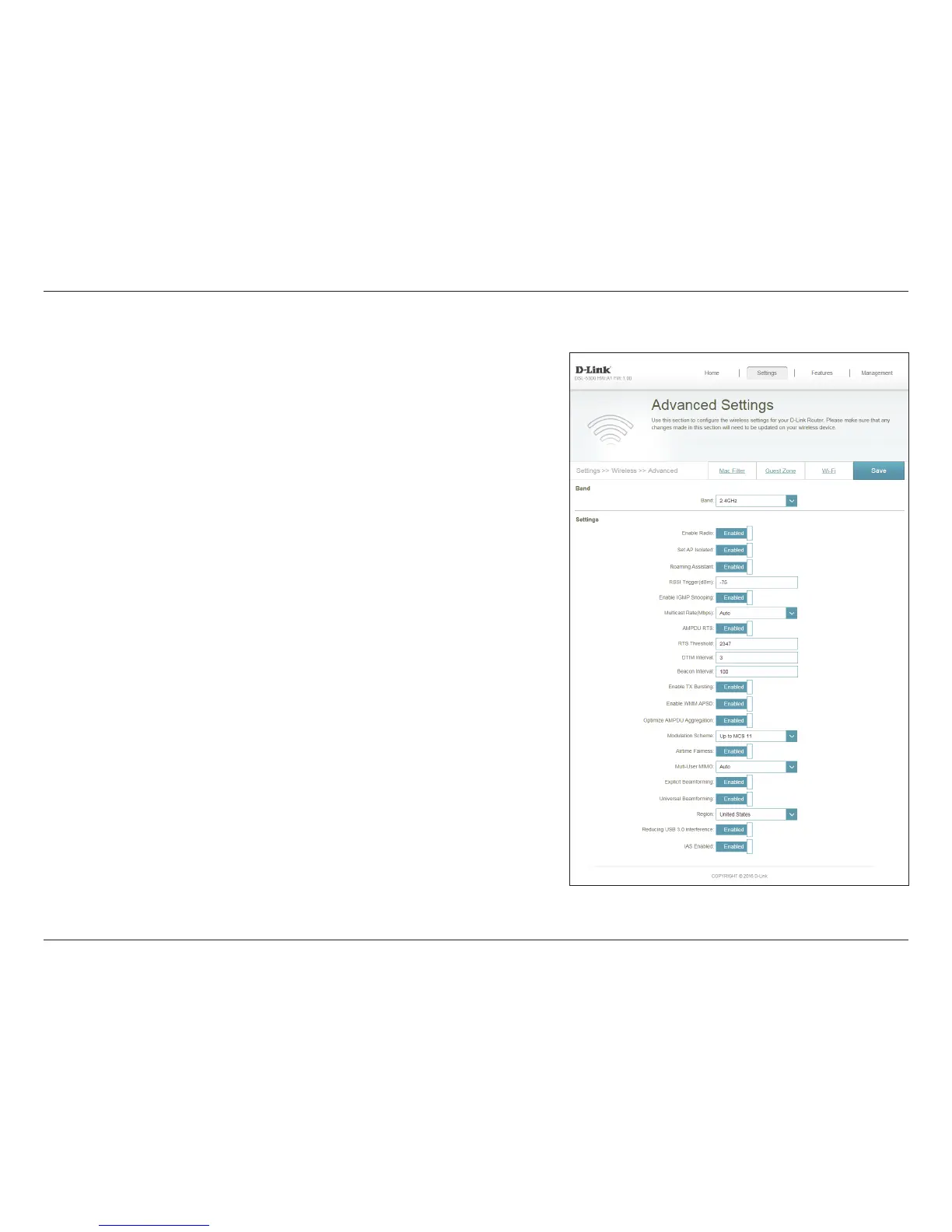
Advanced Settings
Select this option to enable the Wireless radio. Disabling will disable
for the specied band. This feature is enabled by default
Select this option to prevent wireless clients from communicating
with each other. This feature is disabled by default.
The roaming assistant allows clients to more easily move between
APs or repeaters. This feature disconnects the client bellow a certain
RSSI (Received Signal Strength Indicator) threshold to connect to a
stronger signal (see below). This feature is enabled by default.
Sets the RSSI (Received Signal Strength Indicator) to drop the client
from the network to allow it to reconnect to a repeater or AP.
Allows monitoring of IGMP (Internet Group management Protocol) to
optimize wireless multicast trac. The feature is enabled by default.
Allows you to specify the maximum speed which multicast packets
are sent. Auto is the default and recommended setting.
The AMPDU (Aggregated-MAC Packet Data Unit) is a feature of the
802.11e and 802.11n standards that allows groups of frames to
be transmitted together. The default and recommended setting is
Enable.
RTS (Request to Send) indicates the maximum number of bytes per
packet. Reducing this may improve communication in crowded
wireless environments. The default and recommended setting is
2347.
Enable Radio:
Set AP Isloated:
Roaming
Assistant:
RSSI
Trigger(dBm):
Enable IGMP
Snooping:
Multicast Rate
(Mbps):
AMPDU RTSL:
RTS Threshold:
The Advanced Settings menu allows you to congure advanced wireless features
to optimize performance and compatibility. These are advanced settings that can
safely be ignored by most users.



 To Next Page