44D-Link DSL-5300 User Manual
Section 4 - Conguration
VLAN
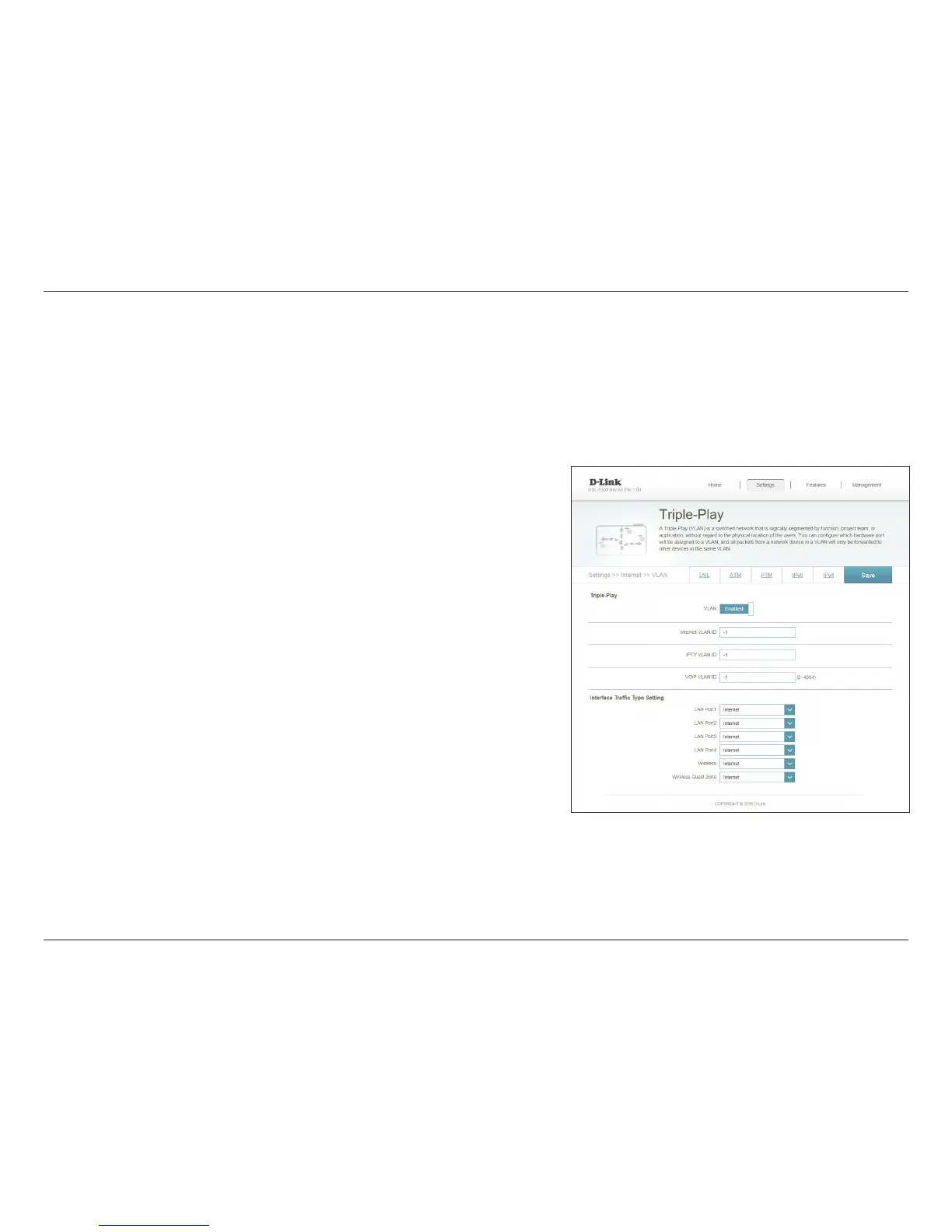
The VLAN bridging feature allows advanced users to enable 802.1Q VLAN tagging on the WAN interface. If you have an Ultra Fast Broadband
(UFB) ber optic connection, your ISP may oer High Priority Committed Information Rate (CIR). This guarantees the bandwidth required for real-
time voice and video applications.
In order to utilize the CIR, you must know the proper 802.1Q VLAN tags that your ISP uses. To enable this functionality, dene the VLAN IDs,
apply the VLAN to the desired interface, and connect your devices.
Select Enable to enable VLAN support.
Enter a VLAN ID between 2 and 4094 that will be used for your
Internet connection.
Enter a VLAN ID between 2 and 4094 that will be used to connect
to IPTV services
Enter a VLAN ID between 2 and 4094 that will be used for VoIP
services.
Assign a VLAN identier to each LAN port.
Assign a VLAN identier to the main wireless connections.
Assign a VLAN identier to the Wireless Guest Zone (if enabled).
Click Save when you are done.
VLAN:
Internet VLAN
ID:
IPTV VLAN ID:
VOIP VLAN ID
LAN Port1-4:
Wireless:
Wireless Guest
Zone:



 To Next Page