28D-Link DSL-5300 User Manual
Section 4 - Conguration
USB Device
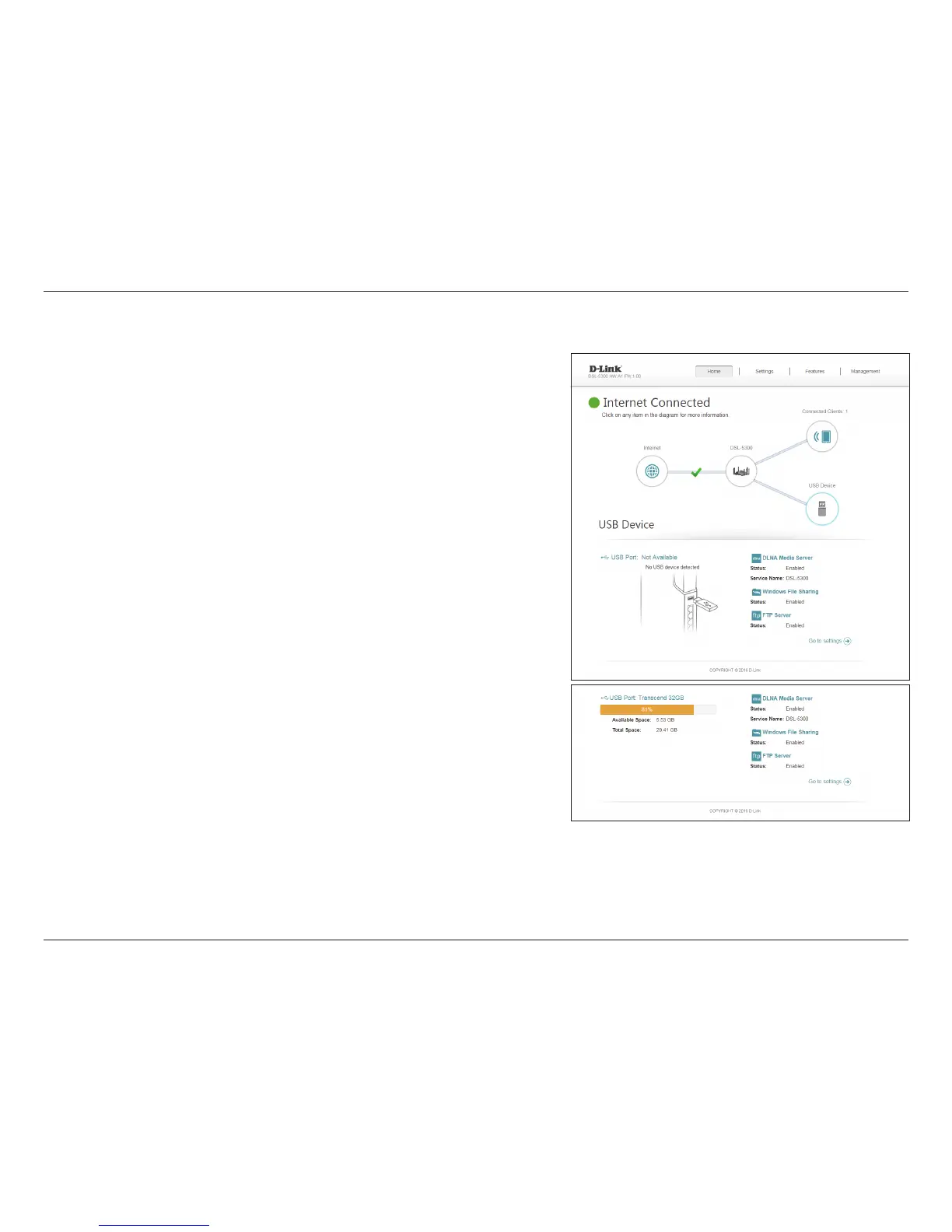
Click on the USB Device icon to view details about the currently connected USB
device, SharePort, and Windows File Sharing.
If you have a USB device connected, you can see its name and how much free space
it has.
To congure your SharePort settings, click Go to settings and refer to page 67
for more information.



 To Next Page