61D-Link DSL-5300 User Manual
Section 4 - Conguration
Guest Zone
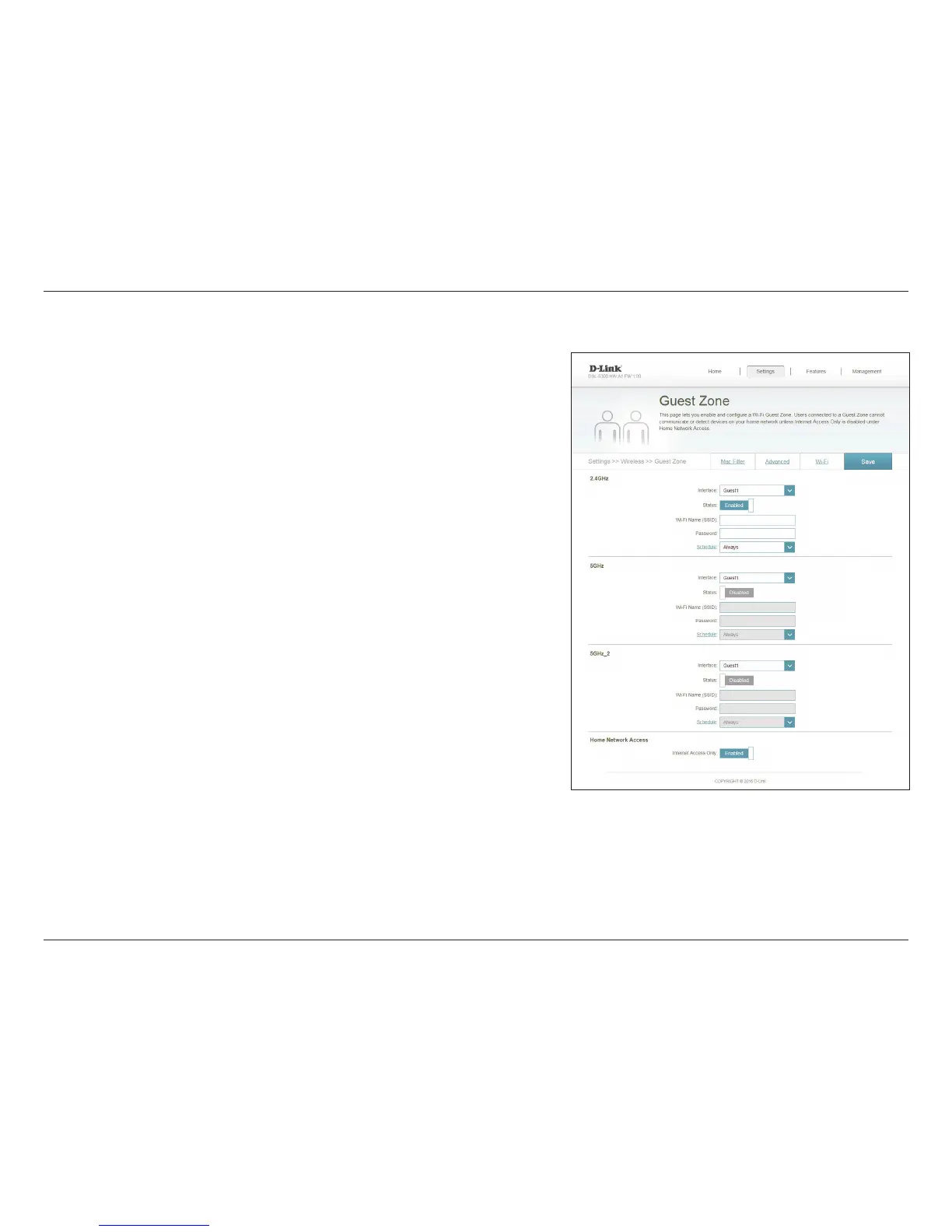
Enable or disable the guest zone for each wireless frequency band.
Enter a wireless network name (SSID) that is dierent from your main
wireless network.
Create a password to use for wireless security. Wireless clients will
need to enter this password to successfully connect to the guest zone.
Use the drop-down menu to select the time schedule followed by
the guest zone.. The schedule may be set to Always Enable, or you
can create your own schedules in the Schedules section. Refer to
page 83 for more information.
Enabling this option will confine connectivity to the Internet,
disallowing guests from accessing other local network devices.
Click Save when you are done.
Status:
Wi-Fi Name
(SSID):
Password:
Schedule:
Internet Access
Only:
In the Settings menu on the bar on the top of the page, click Wireless, then click
the Guest Zone link. Click Advanced Settings... to expand the list and see all of the
options. Each band can be congured separately:
The guest zone feature will allow you to create temporary zones that can be used by
guests to access the Internet. These zones will be separate from your main wireless
network. You may congure dierent zones for the 2.4 GHz, primary, and secondary
5 GHz wireless bands.



 To Next Page