85D-Link DSL-5300 User Manual
Section 4 - Conguration
Admin
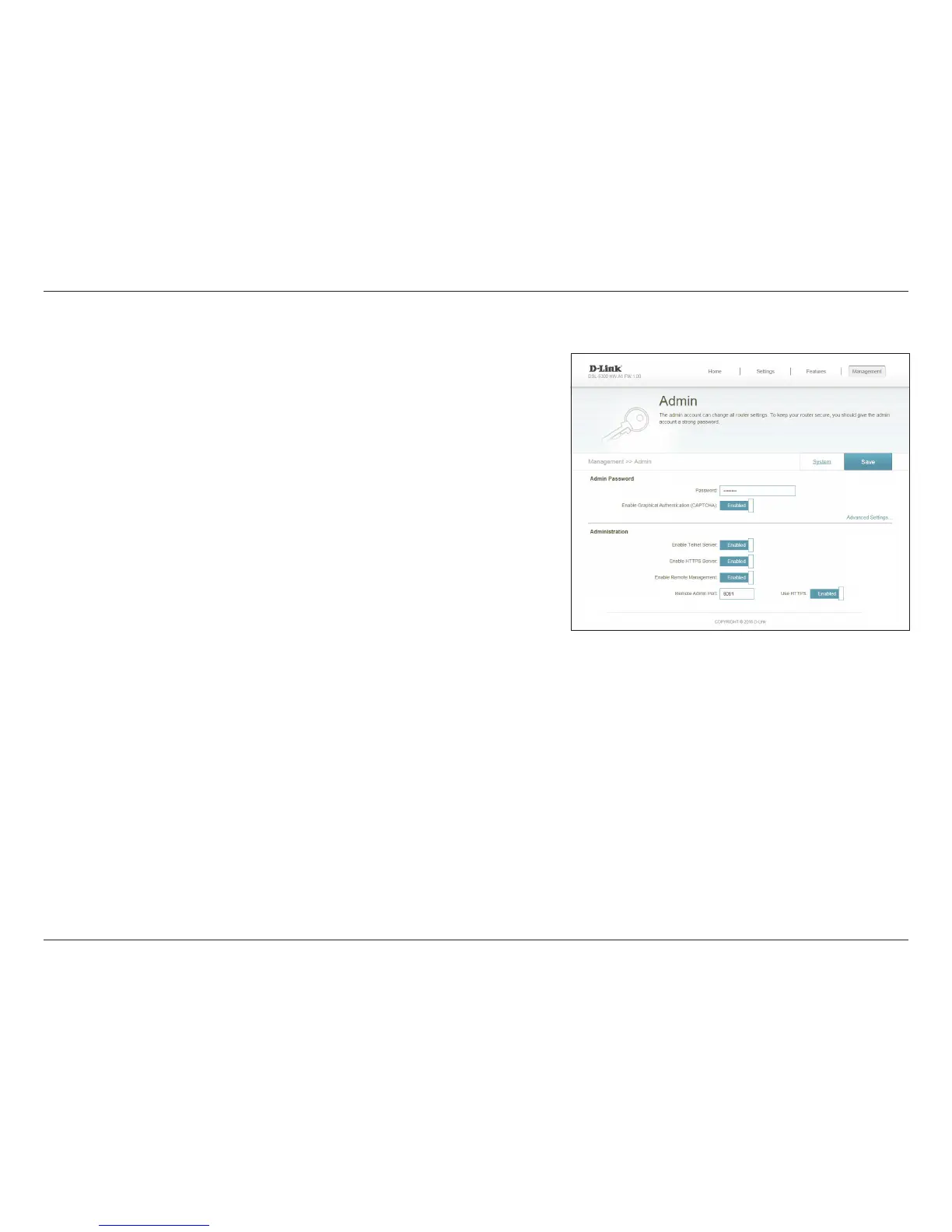
This page will allow you to change the administrator (Admin) password and enable
remote management.
In the Management menu on the bar on the top of the page, click Admin.
Enter a new password for the administrator account. You will need to
enter this password whenever you congure the router using a web
browser.
Enables a challenge-response test to require users to type letters or
numbers from a distorted image displayed on the screen to prevent
online hackers and unauthorized users from gaining access to your
router’s network settings.
If you want to allow router setup via the protocols, you can congure
it here. For Telnet, click Enable Remote Management to allow
administrators to congure the network from outside. If you enabled
remote management, enter the remote port number that the router
will use for that protocol.
Check to enable HTTPS to connect to the router securely. This means
to connect to the router, you must enter https://dlinkrouter.local./
instead of http://dlinkrouter.local./
Remote management allows the DIR-860L to be congured from the
Internet by a web browser. A password is still required to access the web
management interface.
Password:
Enable
Graphical
Authentication
(CAPTCHA):
Enable Telnet
Server:
Enable HTTPS
Server:
Enable Remote
Management:



 To Next Page