80D-Link DSL-5300 User Manual
Section 4 - Conguration
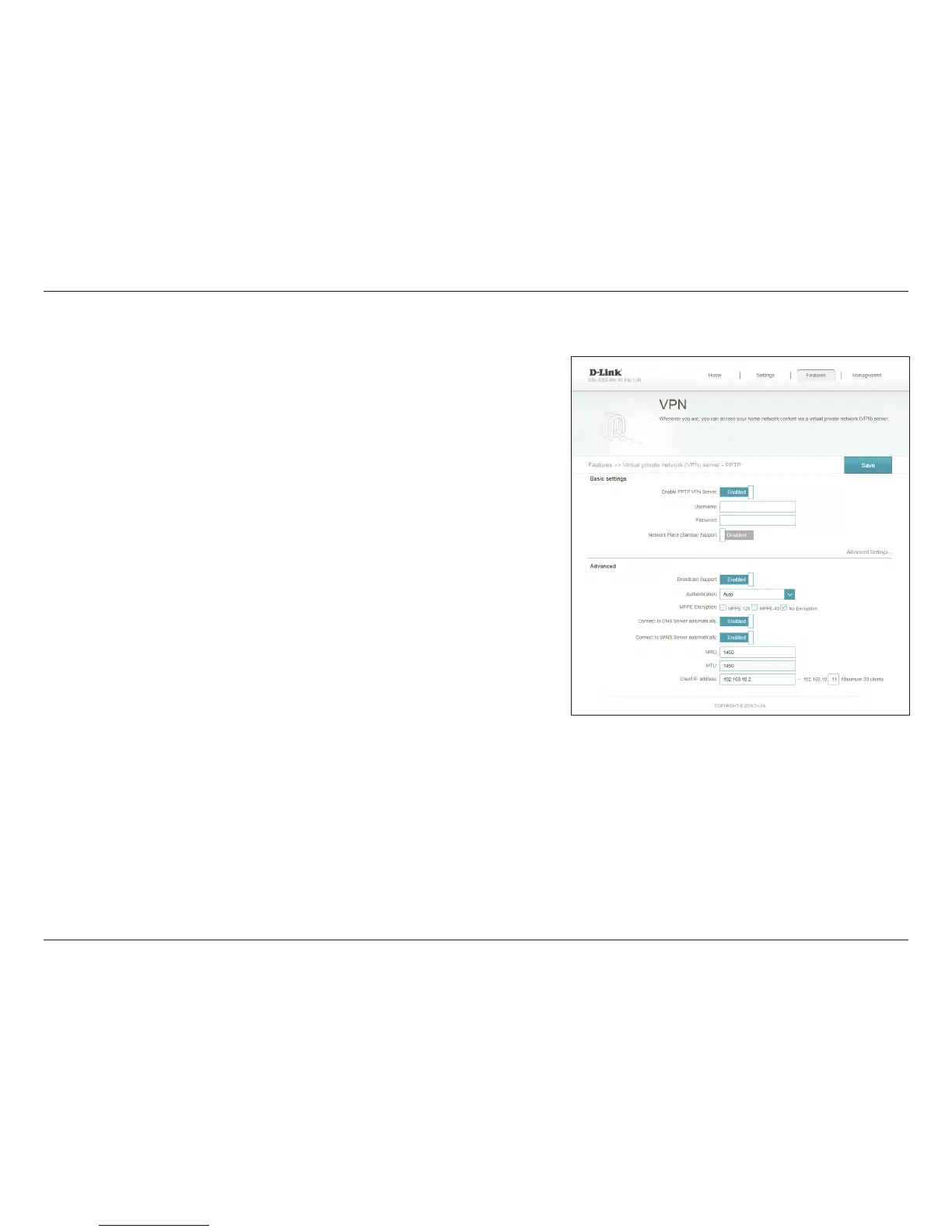
Select to enable the PPTP VPN server.
Enter the Username that will be required to log into the server
remotely.
Enter the Password that will be required to log into the server
remotely.
Select Enable to enable support for SAMBA and Windows networking
over the PPTP connection.
Note that this will expose your network to anyone able to log in.
Select to Enable broadcast support over PPTP.
Select to enable broadcast support over VPN connections.
Choose the authentication protocol type: Auto, MSCHAPv1, and
MSCHAPv2. Auto is the default.
Select encryption to be supported by the PPTP tunnel. Choose from
MPPE-128 or MPPE-40 from Microsoft Point-to-Point Encryption
(MPPE). Select No Encryption to disable encryption. Select multiple
options to allow the client to choose between them.
Select to automatically connect to the router's DNS server to resolve
DNS queries.
Enable PPTP
VPN Server:
Username:
Password:
Network
Place (Samba)
Support:
Broadcast
Support:
Authentication:
MPPE
Encryption:
Connect to
DNS Server
automatically:
This page allows you to congure the DSL-5300 as a VPN server. We recommend
conguring Dynamic DNS before proceeding with VPN setup. If your router is
assigned an IP address from your ISP using DHCP, it may frequently change, requiring
clients credentials to be set up again and a simple DDNS address will be easier than
an IP address.
VPN



 To Next Page