21D-Link DSL-5300 User Manual
Section 4 - Conguration
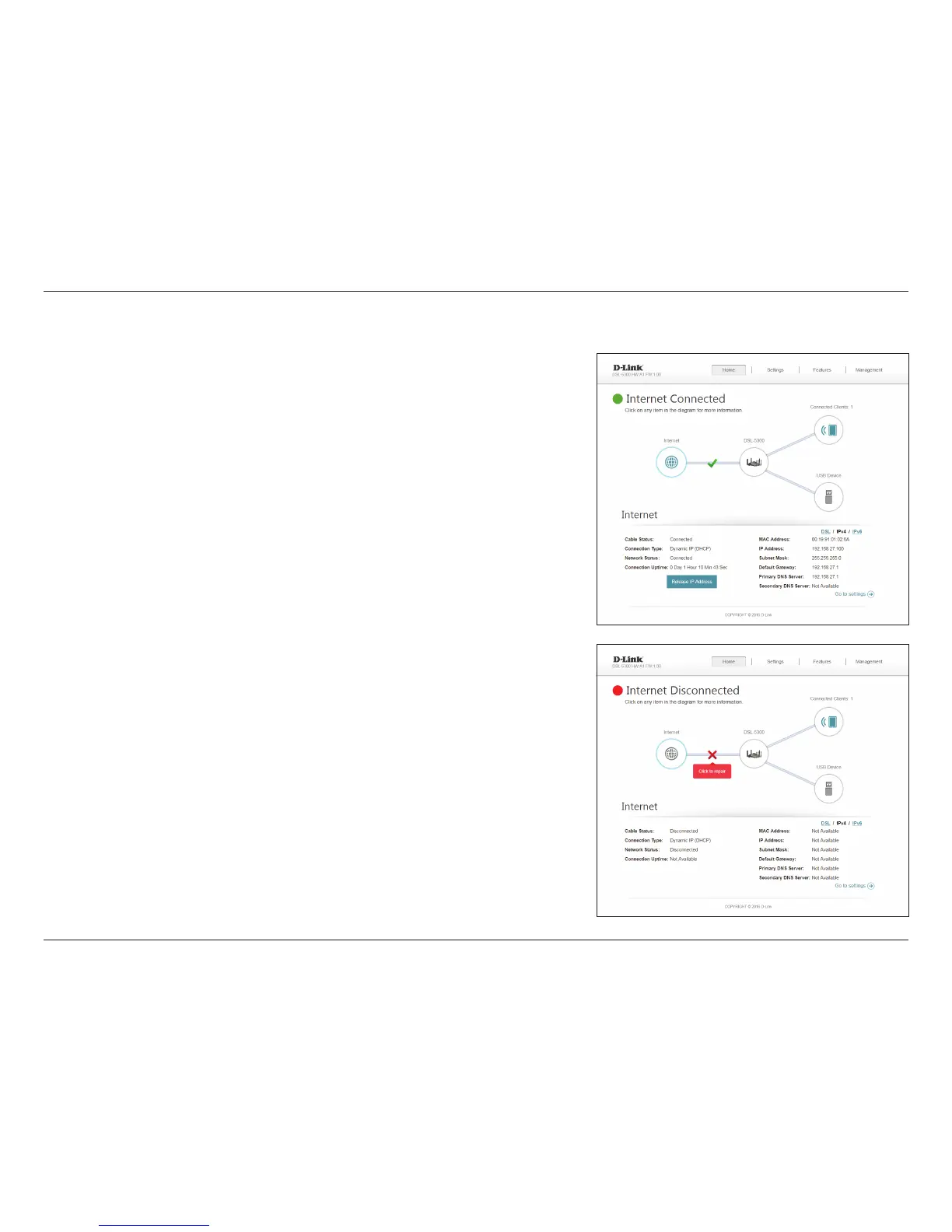
To bring up more details about your Internet connection, click on the Internet icon.
You may cycle through the WAN interfaces at the bottom of the page by clicking on
the arrows on the left and right sides of the screen. The Internet Connection status at
the top of the diagram will reect the status of the currently selected WAN interface.
If your Internet is disconnected, you can click Click to repair to bring up the Setup
Wizard.
For each of the WAN interfaces, you can see the connection status, IPv4, and IPv6
information. Clicking the DSL button will display DSL port information.
Internet



 To Next Page