25D-Link DSL-5300 User Manual
Section 4 - Conguration
DSL-5300
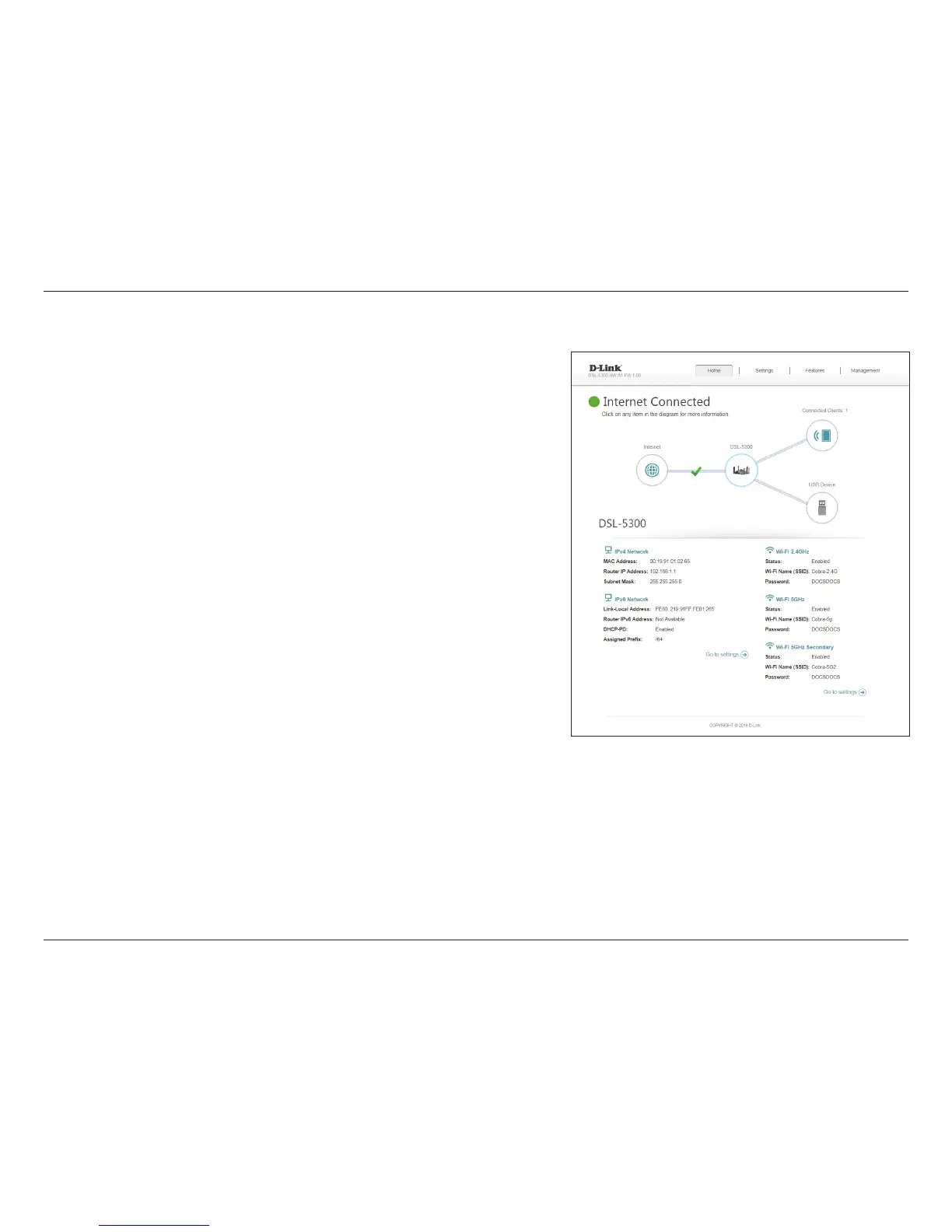
Click on the DSL-5300 icon to view details about the router and its wireless settings.
Here you can see the router’s current wireless networks and passwords, as well as
the local area network MAC, IPv4, and IPv6 addresses.
To recongure the network settings, click the Go to settings link, from the Settings
menu at the top of the page, select Network. Refer to page 65 for more information.
To recongure the wireless settings, click the Go to settings link, from the Settings
menu at the top of the page, select Wireless. Refer to page 59 for more information.



 To Next Page