164D-Link ShareCenter DNS-340L User Manual
Section 4 - Conguration
ISO Shares Setup Wizard
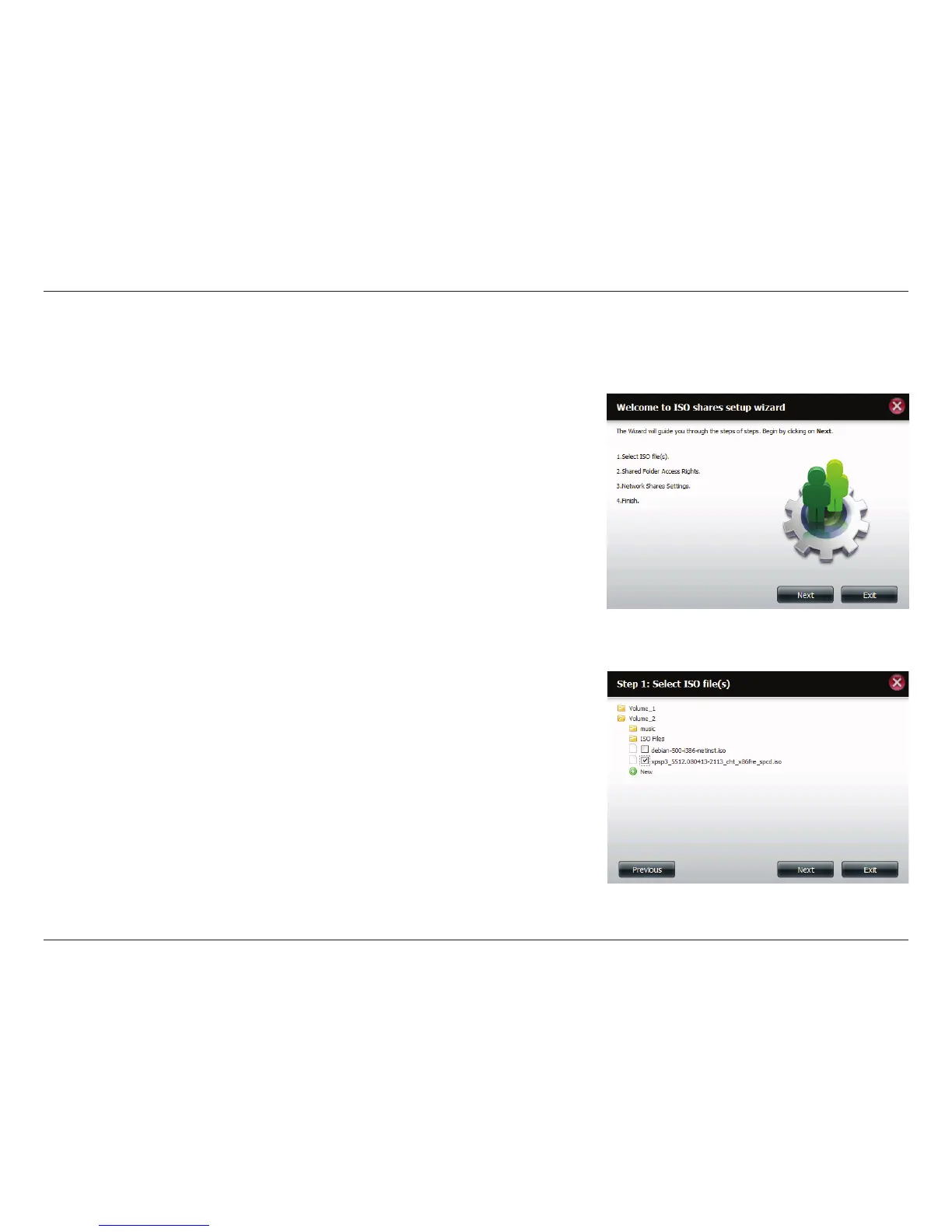
The following section will describe how to add a new ISO mount on the ShareCenter. To add an ISO Mount, click the New
button. The ISO Shares Setup Wizard will start.
Click Next to continue.
Select the ISO le to mount.
Check the box to the left of the .iso le to select it and click Next to continue.



 To Next Page
 Loading...










