267D-Link ShareCenter DNS-340L User Manual
Section 4 - Conguration
Sharing a Photo to Facebook
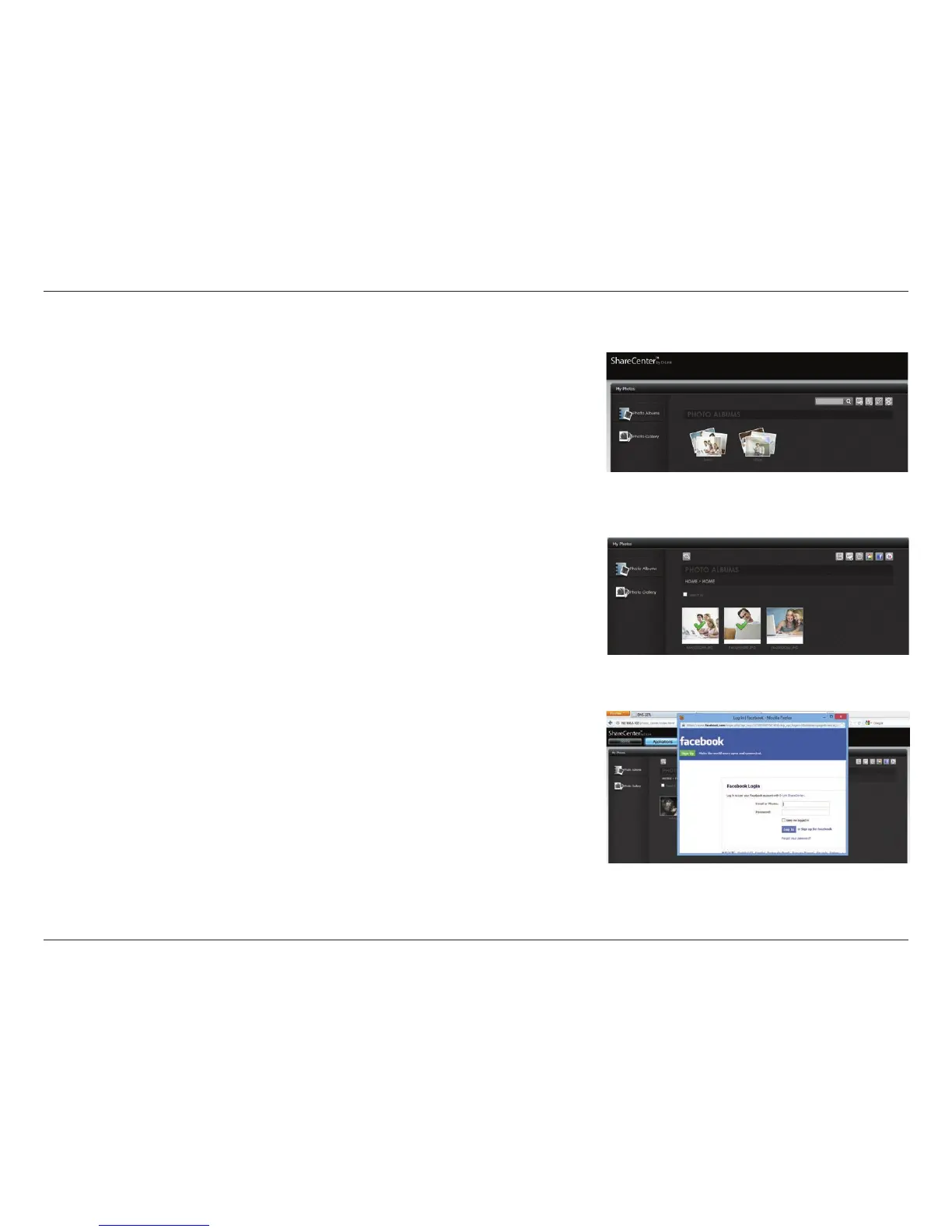
Click the My Photos>>Photo Albums>>Photo Album you wish to select the
photo from.
Select the photo you wish to share on Facebook. A green check-mark highlights
your selection and click Share To Facebook.
A pop-up window appears directing you to log-in to Facebook. Enter your
details and log-in.



 To Next Page
 Loading...










