288D-Link ShareCenter DNS-340L User Manual
Section 4 - Conguration
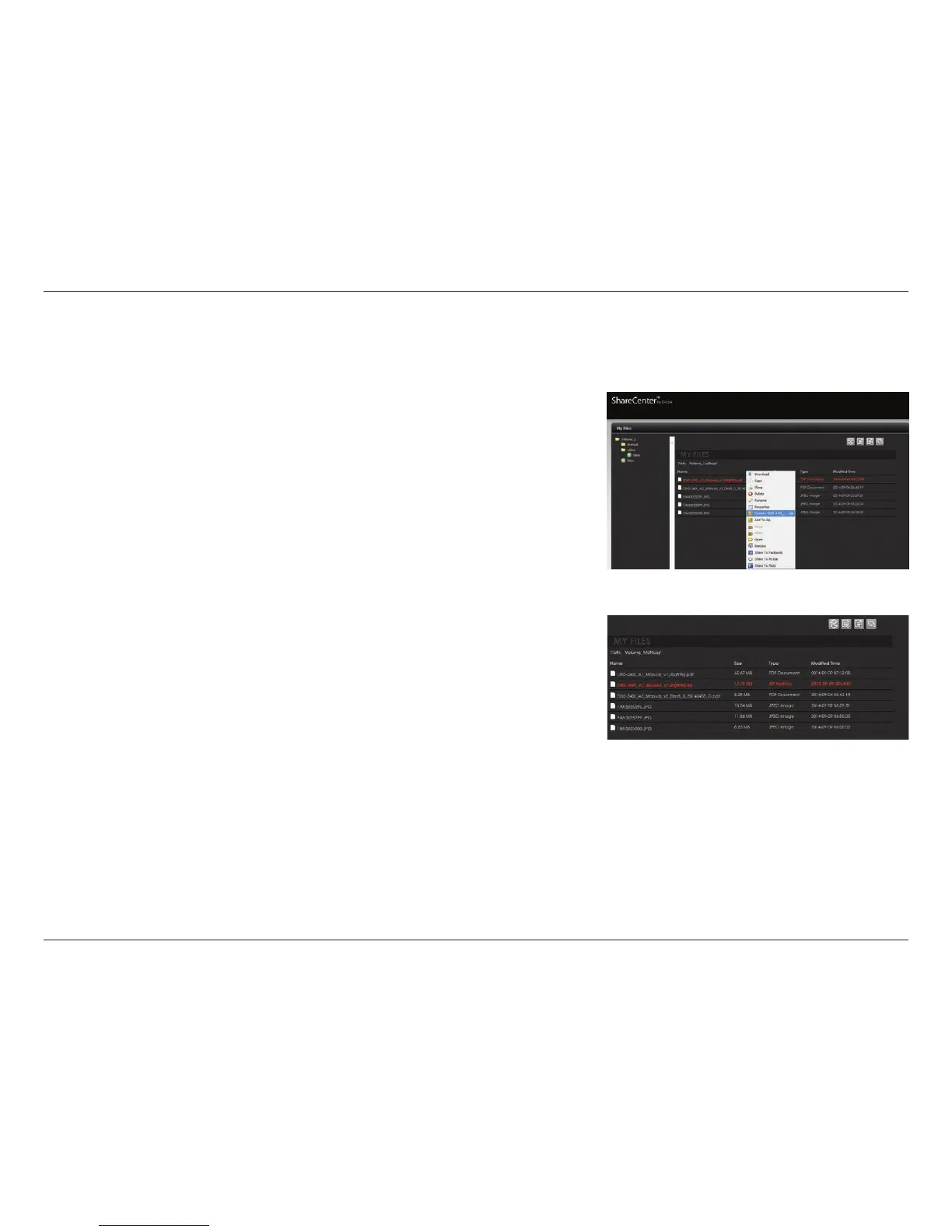
Creating a Zip le from the Selected Folder
You can use Zip compression to create a package of les which can be easily transported or sent.
Browse any of the folders on the left pane, right click any of the les in the right
pane. Select “Create (le name).zip.”
A zipped le is created in the same folder.



 To Next Page
 Loading...










