223D-Link ShareCenter DNS-340L User Manual
Section 4 - Conguration
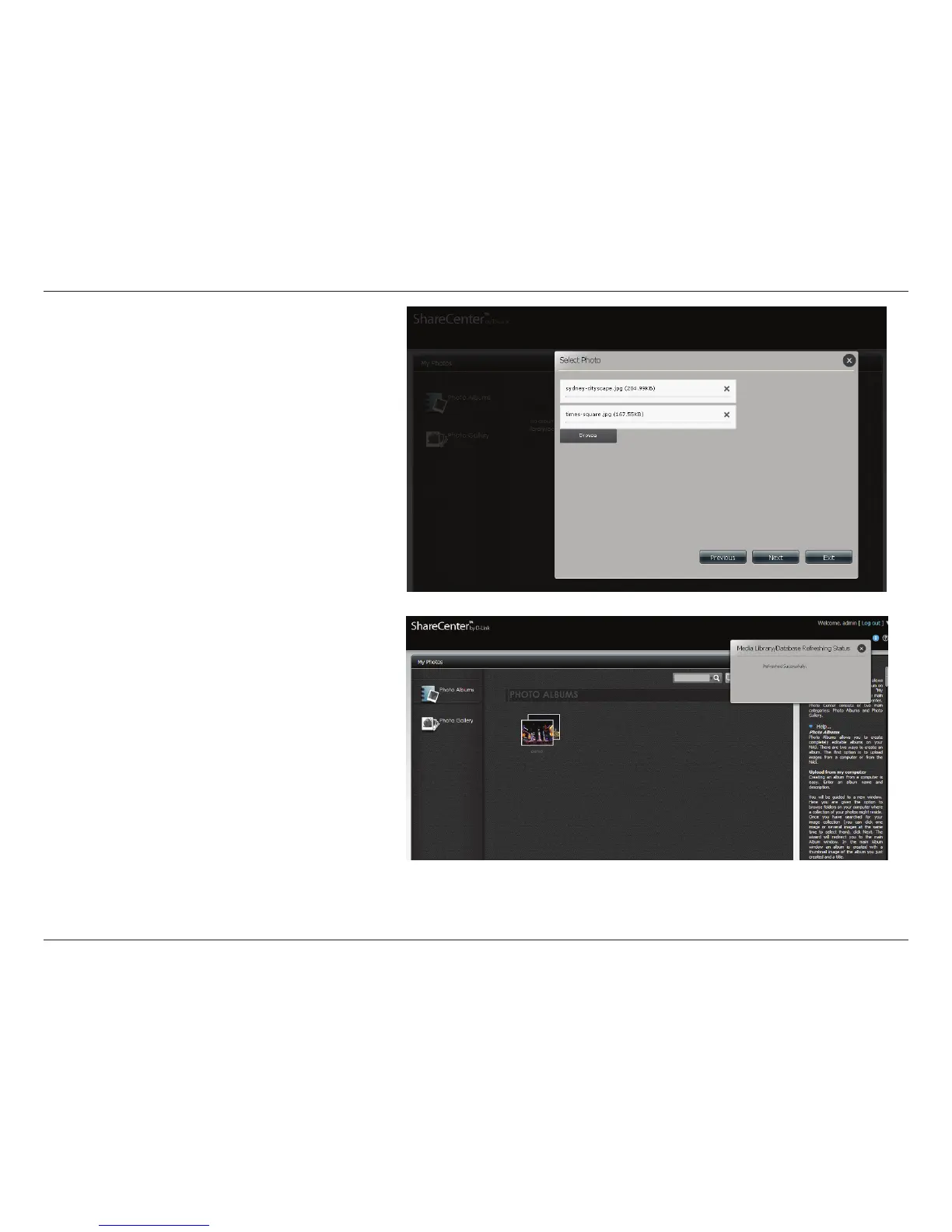
Click Browse to nd the images/photos you wish
to use.
Click Next to continue.
When the photos are uploaded, click the
Information icon, then click the Refresh button
and you can view the Media Library/Database
Refreshing Status.



 To Next Page
 Loading...










