Basic Operation
23
Initial Installation
Setting up the player
■ Switch the TV on.
■ You can also start "AUTO SET" in the SETUP "PR PRESET" "AUTO SET".
■ To tune in new stations (manual tuning) and to enter station names see page 33-35.
LANGUAGE SET
ENGLISH
DEUTSCH
ITALIANO
ESPAÑOL
FRANÇAIS
NEDERLANDS
SVENSKA
SUOMI
PR+/-:SELECT
OK:CONFIRM SETUP:END
COUNTRY SET
BN
DNL
DK S
ESF
GR SW
ITR
LUX OTHERS
PR+/-:SELECT
OK:CONFIRM SETUP:END
SETUP:END
PLEASE WAIT...
CH 25
RF OUTPUT SET
0-9:SELECT(21-69)
OK:CONFIRM SETUP:END
CURRENT CH 52
RECOMMENDED CH 54
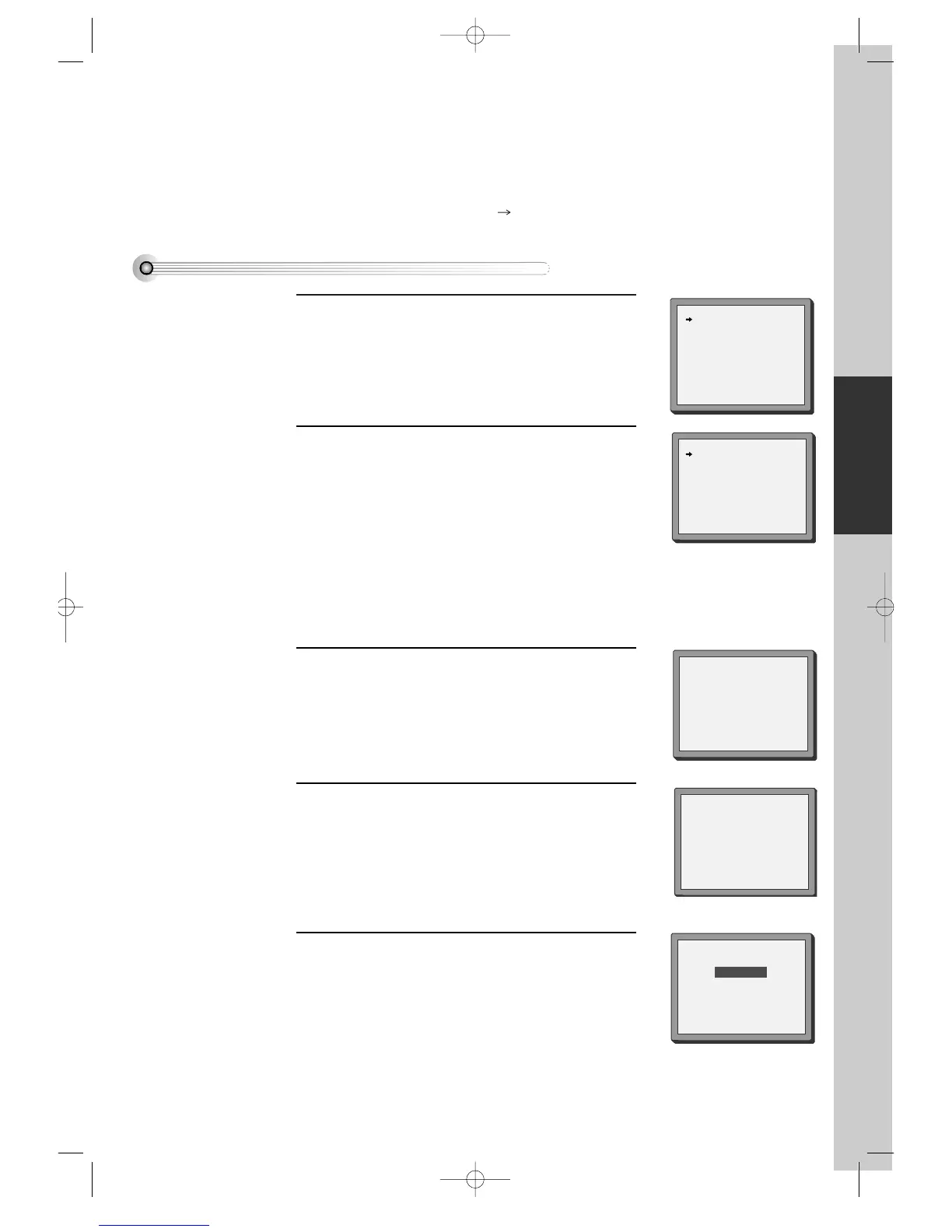
You should see this picture the first time you switch
on the TV and player.
Choose your language.
1
Then choose your country.
For selecting the country, refer to the followings.
2
OK for "AUTO SET!".
"AUTO SET" tunes in all the stations you can receive
in your country and sorts them in an order common
for your country.
Clock is automatically set.
3
If other stations are positioned on near the current RF
OUTPUT CH, the guide message appears
automatically.
The player recommends the optimal RF OUTPUT
CH number automatically.
4
B: Belgium
D: Germany
DK: Denmark
E: Spain
GR: Greece
I: Italy
LUX: Luxembourg
N: Norway
NL: Netherlands
S: Sweden
SF: Finland
SW: Switzerland
TR: Turkey
Press the [OK] button to confirm the recommended
PR.
5
PLEASE CHANGE THE TV
PR TO 62.
IMPORTANT!
DVD-Video(PAL) 02.3.15 5:44 PM ˘`23



 To Next Page