60
VIDEO Setup
■ Before setting it, you should change status into DVD by pressing [DVD] button on the
remote control.
While DISC STOP or Resume STOP, press [SETUP/ENTER] button.
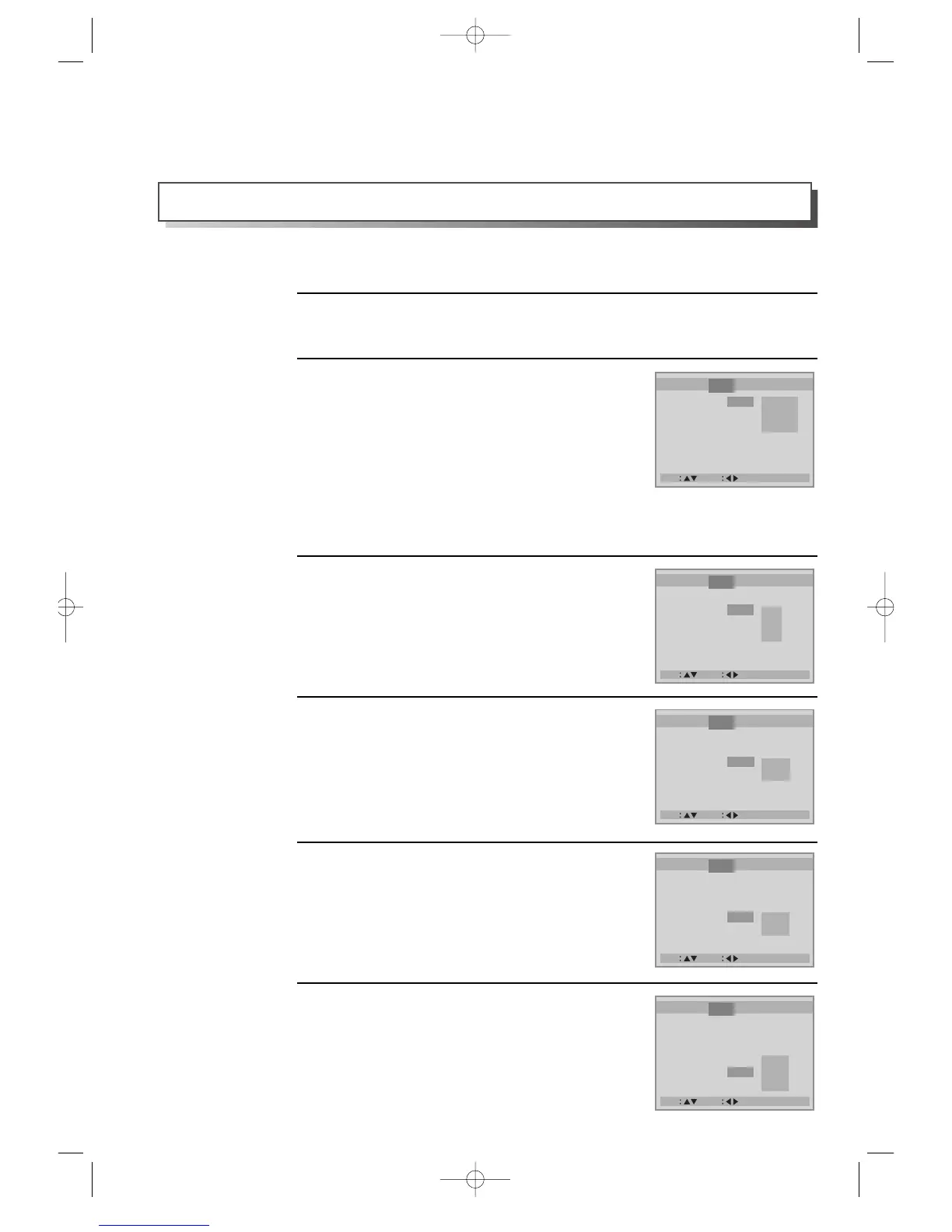
Selecting TV Aspect.
If a user selects “4:3 PS”, the user can watch only a
center of the original scene of “16:9”.
If a user selects “4:3 LB”, the user can watch the
original scene of “16:9”, but the top and bottom of
the screen look black color.
If a disc size is originally recorded in 4:3, a user
cannot watch it in a wide screen though a user sets a
size as “16:9 Wide”.
2
1
Selecting a TV type.
A user may select a TV type.
A user may select a type among NTSC, PAL or
AUTO.
3
A user can set up a connected TV condition and screen.
Selecting a VIDEO OUTPUT.
A user may select a VIDEO OUTPUT between RGB
and S-Video.
4
Selecting a bright degree.
A user may select a bright degree of a screen. There
are two choices of Normal and Bright.
5
Selecting a vivid degree.
A user may select a vivid degree of a screen. There
are three of choices, Normal, Soft and Sharp.
6



 To Next Page