56
Memorizing a scene
To memorize a scene
Once memorizing a scene, a user may watch it anytime.
■ Before setting it, you should change status into DVD by pressing [DVD] button on the
remote control.
While playing, press [MARK] button.
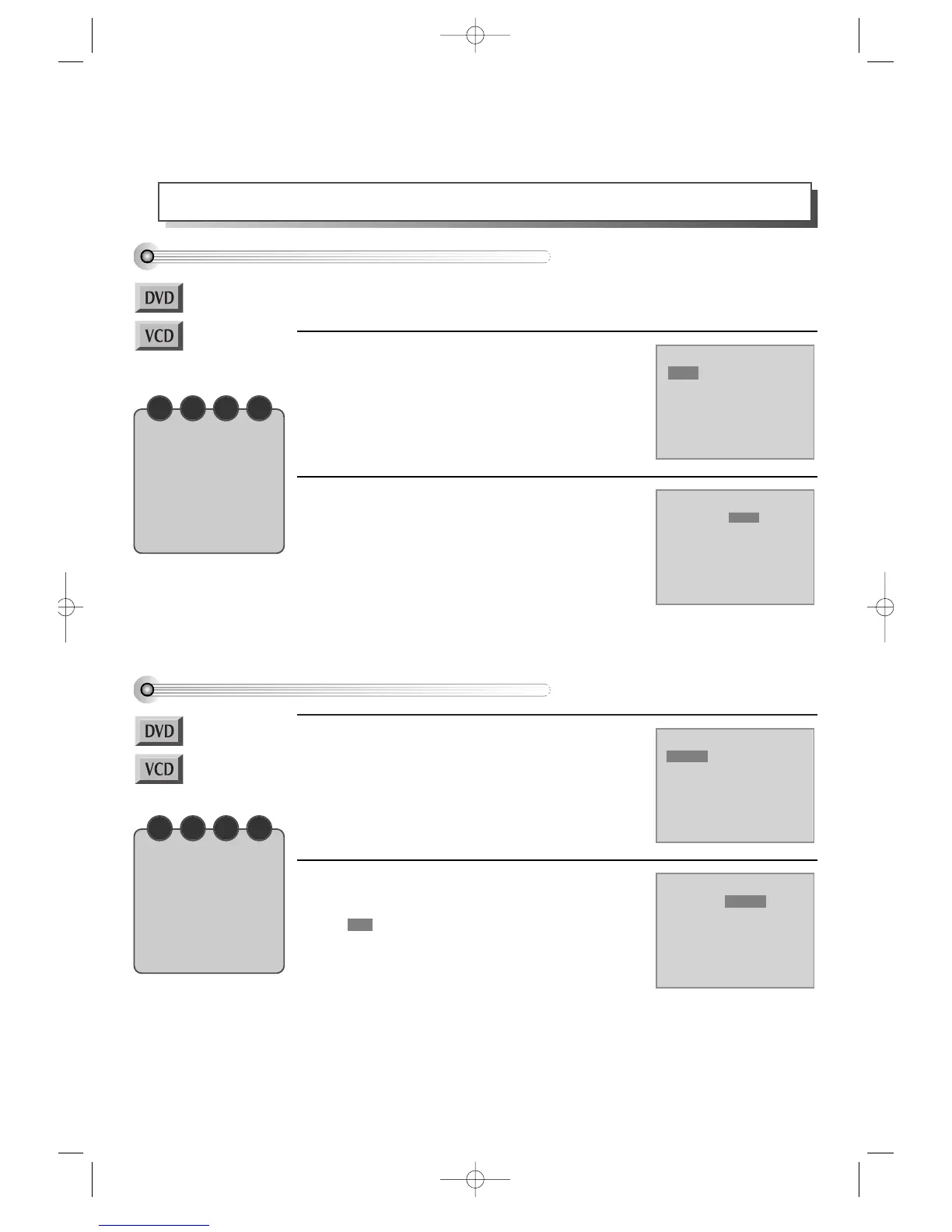
The right figure appears.
Then press [SETUP/ENTER] button and the current
scene is memorized in “A”.
1
If you want to memorize another preferred
scene, press [>] button.
The right figure appears.
Then press [SETUP/ENTER] button and the current
scene is memorized in “B”.
** A user may memorize “C” continuously with the
same method.
2
Playing a memorized scene
Press [MARK] button.
Memorized bookmark appears on screen.
1
Move it to preferred bookmark by pressing
[ > ] button.
moves to the bookmark position.
In the moment, press [SETUP/ENTER] button to play
it.
2
Bookmark DVD
A01:30:10 B01:40:00 C
--:--:--
Bookmark DVD
A--:--:-- B--:--:-- C--:--:--
Bookmark DVD
A01:30:10 B--:--:-- C--:--:--
Bookmark DVD
A01:30:10 B01:40:00 C
--:--:--
N O T E
“BOOKMARK” function
during the disc playback
of SVCD or VCD2.0 is
only available in “PBC
OFF” mode. Select “PBC
OFF” mode by pressing
[TITLE/PBC] button.
N O T E
“BOOKMARK” function
during the disc playback
of SVCD or VCD2.0 is
only available in “PBC
OFF” mode. Select “PBC
OFF” mode by pressing
[TITLE/PBC] button.
DVD-Video(PAL) 02.3.15 5:45 PM ˘`56



 To Next Page