Setup
59
LANGUAGE Setup
■ Before setting it, you should change status into DVD by pressing [DVD] button on the
remote control.
While DISC STOP or Resume STOP, press [SETUP/ENTER] button.
1
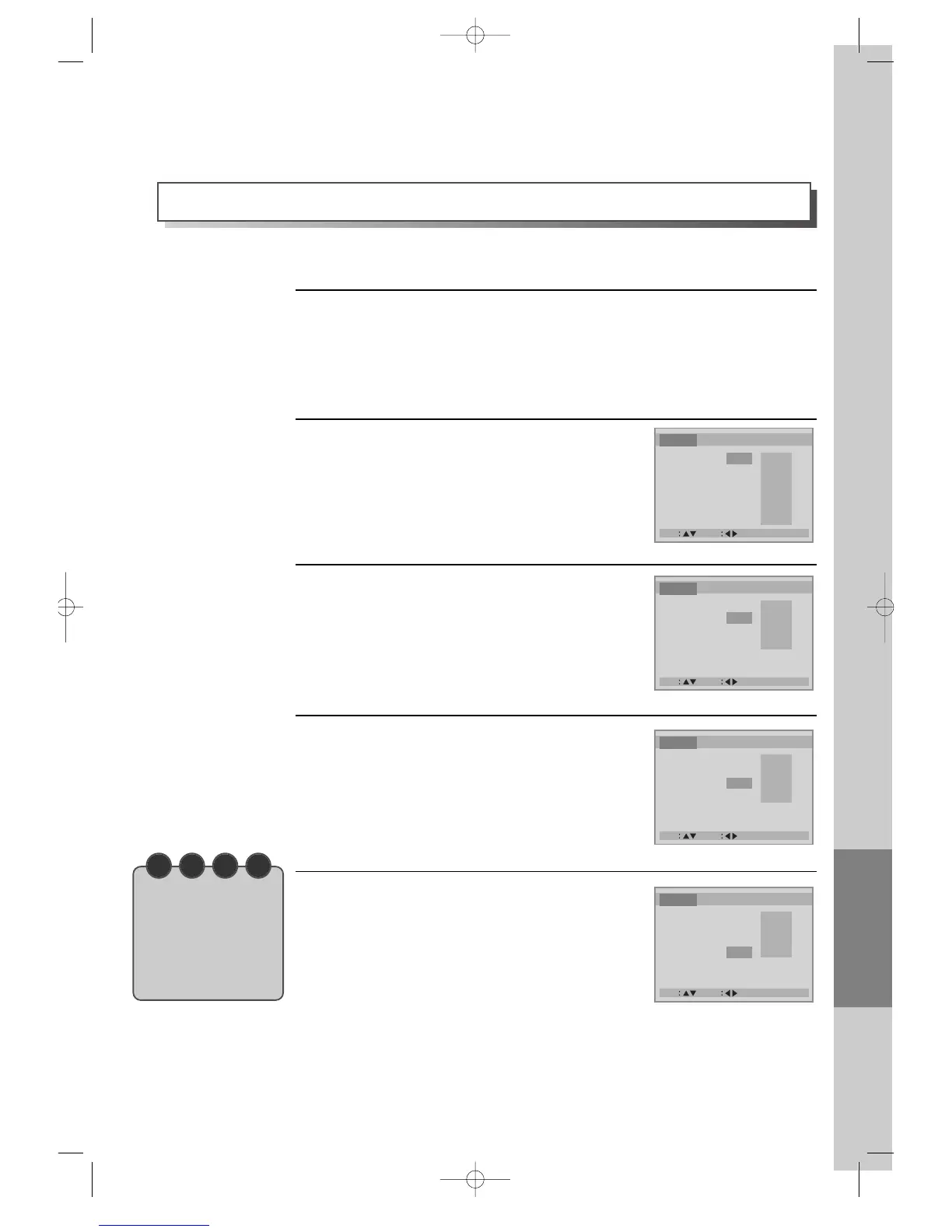
Selecting a language on screen.
Please select a language to be displayed on DVD
screen.
2
Selecting an audio language.
Set it as the preferred audio language. In case the
audio language is set and recorded in the DISC, it is
automatically played in the set language in every
playing. For example, English is set and recorded as
audio language in the DISC, it is played in English.
3
Selecting a subtitle language.
Please set it as the preferred language. In case the
subtitle language is set and recorded in the DISC, it
is automatically played in the set language in every
playing. For example, English is set and recorded as
subtitle language in the DISC, it is played in English.
4
Selecting a DISC MENU language.
Please set it as the preferred DISC MENU language.
In case the DISC MENU language is set and
recorded in the DISC, it is automatically played in
the set language in every playing. For example,
English is set and recorded as a DISC MENU
language in the DISC, it is played in English.
5
A user can set a language of menus in a disc, audio and subtitle.
N O T E
• In case a disc does
not include setting
languages
information, the
selected language
does not appear.



 To Next Page