58
Basic SETUP mode
■ Before setting it, you should change status into DVD by pressing [DVD] button on the
remote control.
While a disc is stopped, press
[SETUP/ENTER] button.
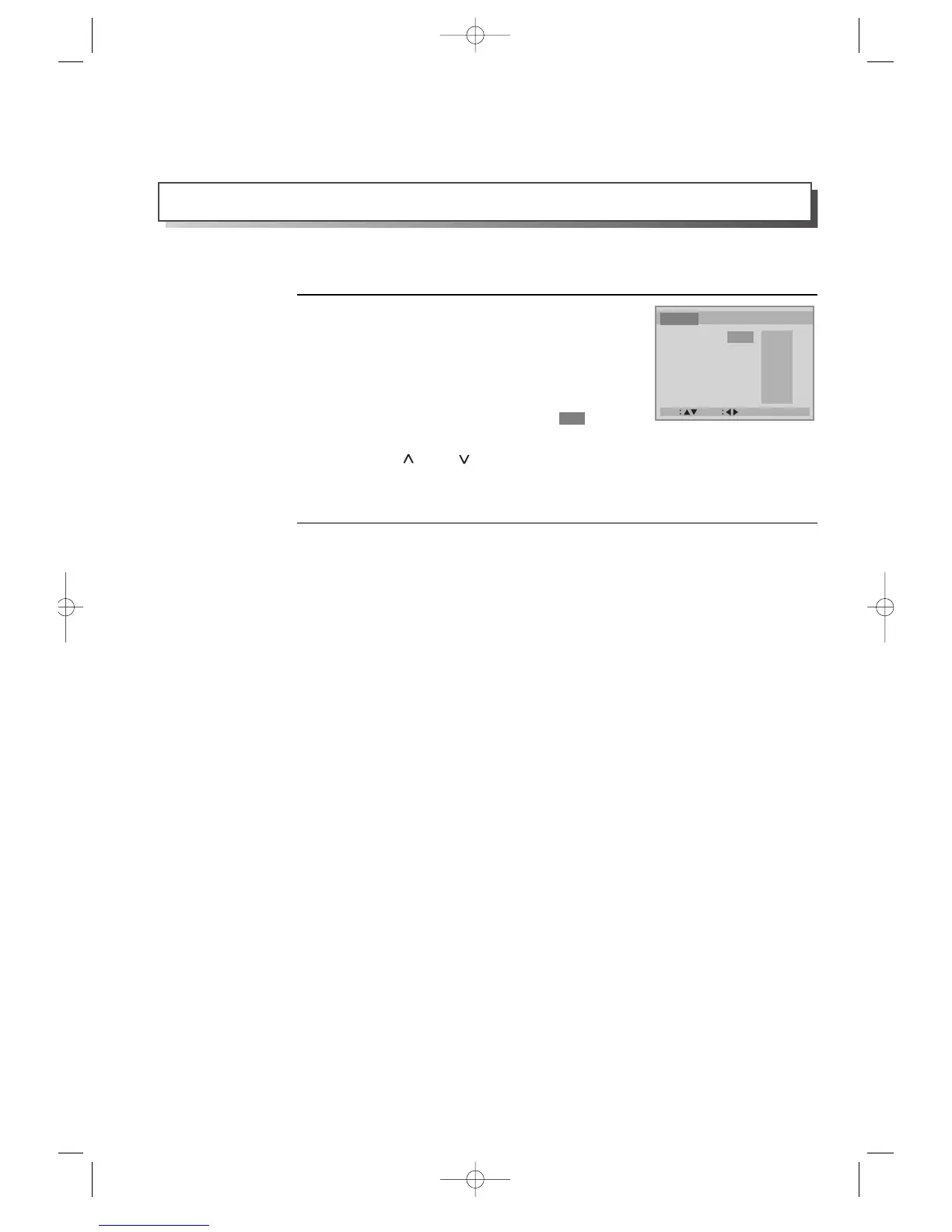
• A screen to set various menus like the right figure
appears.
• By using [<] and [>] , a set menu changes from
Language, which is covered with “ ”, to
Video, Audio and Others.
• Press [ ] and [ ] for the movement among
menus and press [<] and [>] for the select of a
menu.
1
In completing settings, press [RETURN/OK] button or [SETUP/ENTER] button.
2
While STOP or Resume STOP, press [SETUP/ENTER] button to set menus.



 To Next Page