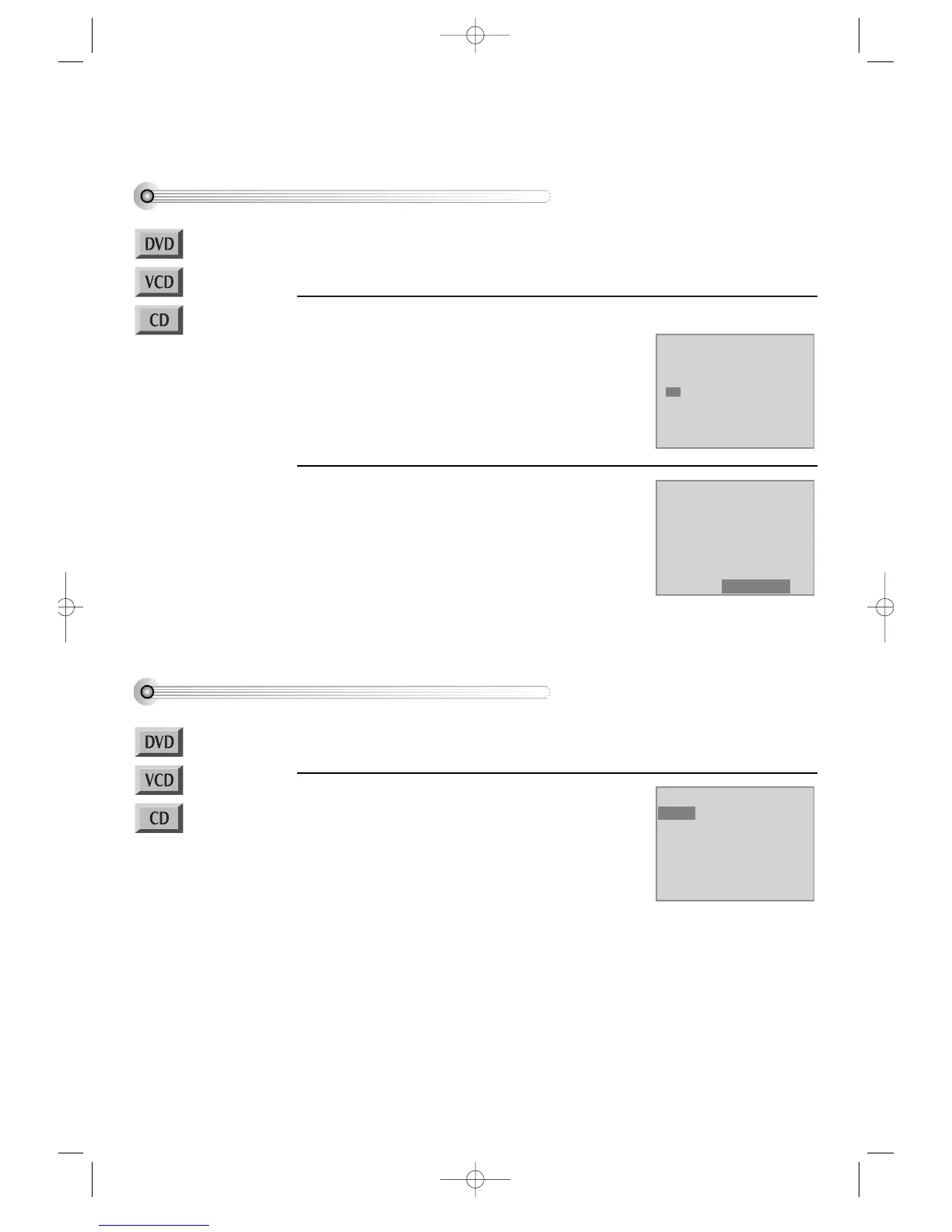
Playing a programmed order
RANDOM PLAY
48
While STOP or Resume STOP, press
[REPEAT] button.
While the right figure appearing, please input
desired Title(T) and Chapter(C) number with
NUMBER buttons.
* In case of VCD and CD, please input TRACK
Number.
1
While STOP or Resume STOP, press
[REPEAT] button twice.
While the right picture appearing, please press
[SETUP/ENTER] button
Regardless of titles or track numbers, it plays in
random.
1
If completing setting, press [SETUP/ENTER] button
after moving a cursor to “Play Program”.
Then, titles and chapters (track) are played in the
above-programmed order.
2
■ Before setting it, you should change status into DVD by pressing [DVD] button on the
remote control.
■ Available only in STOP.
■ Before setting it, you should change status into DVD by pressing [DVD] button on the
remote control.
Mode1 DVD
Program
Title - - Chapter --
T C T C T C T C
1 - - - - 4 - - - - 7 - - - - 10 - - - -
2 - - - - 5 - - - - 8 - - - - 11 - - - -
3 - - - - 6 - - - - 9 - - - - 12 - - - -
Clear ALL Play Program
Mode1 DVD
Program
Title - - Chapter --
T C T C T C T C
1 01 05 4 - - - - 7 - - - - 10 - - - -
2 01 08 5 - - - - 8 - - - - 11 - - - -
3 01 12 6 - - - - 9 - - - - 12 - - - -
Clear ALL Play Program
Mode2 DVD
Shuffle
DVD-Video(PAL) 02.3.15 5:45 PM ˘`48



 To Next Page