Setup
63
Other Setup
■ Before setting it, you should change status into DVD by pressing [DVD] button on the
remote control.
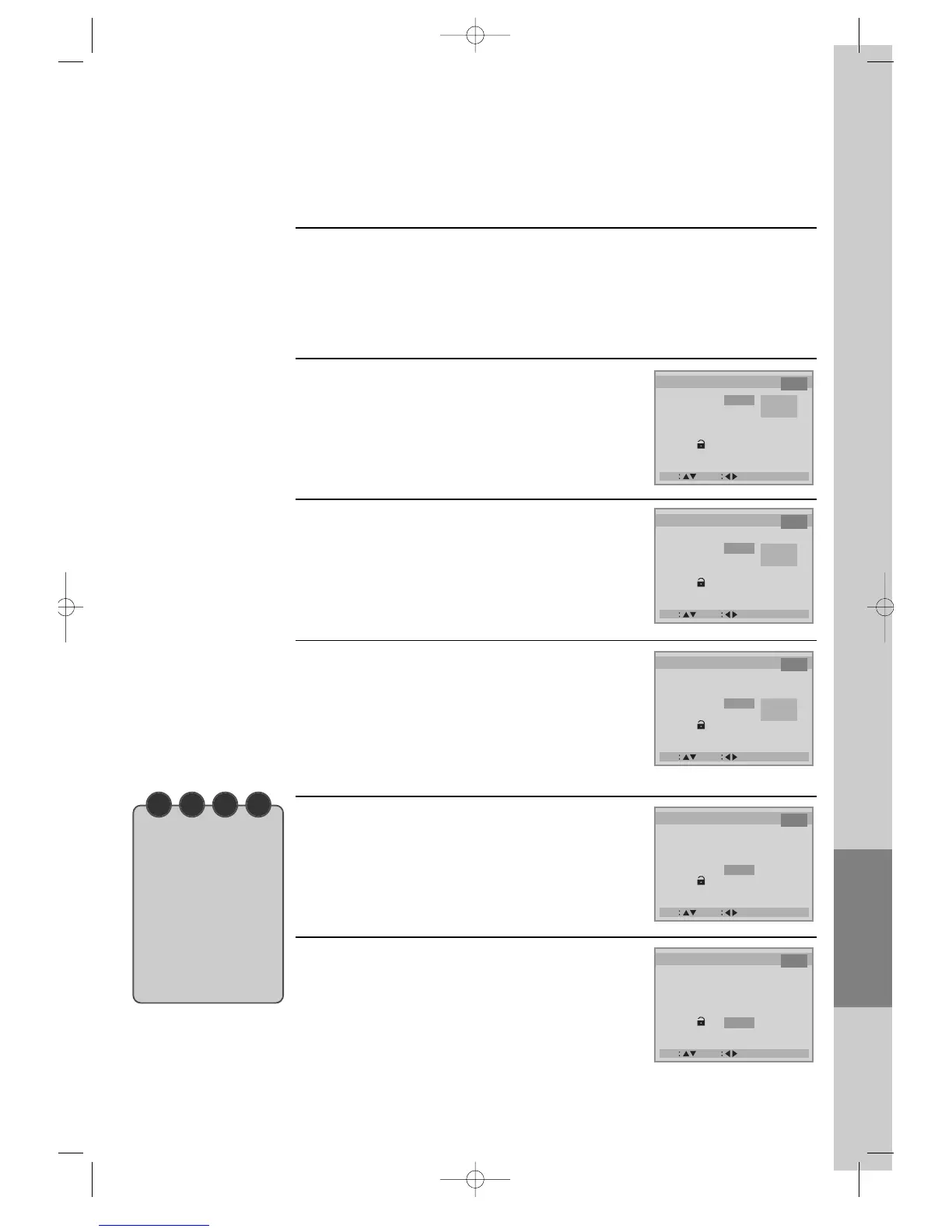
Select character display window.
2
Select angle mark.
3
Select screen save.
If bright scenes continue to be displayed in screen,
TV can be damaged. Set the
screensaver to "ON", the screensaver functions
automatically and DVD logo moves
continuously if the resume stop, stop or open status
for about 5 minutes.
4
Select defaults.
If you select defaults, every function set returns to
FACTORY defaults except PARENTAL.
5
Select PARENTAL.
It consists of 8 levels of violence, sexual scene,
strong sexual scene and others to protect children
from watching those scenes.
6
While DISC STOP or Resume STOP, press [SETUP/ENTER] button.
1



 To Next Page