64
Settling a user’s PARENTAL
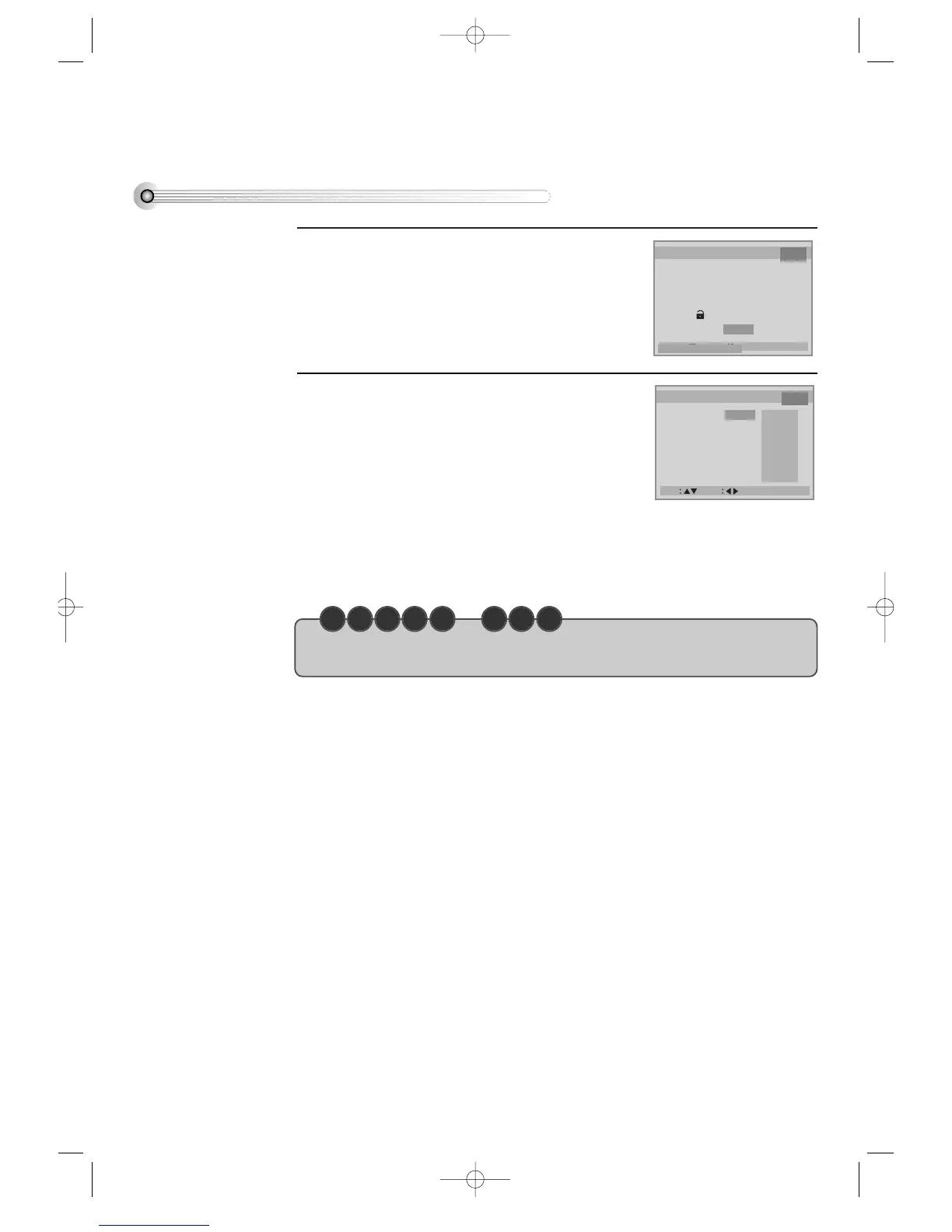
Entering a password.
If selecting “PARENTAL” by moving [>], a password
display appears.
Then entering a user’s password, a user can resettle a
user’s PARENTAL.
1
Resettling a user’s PARENTAL.
Set your desired level in PARENTAL display.
As the number is higher, it means the film gets close
to an adult film.
It, however, operates only when a DVD disc
includes PARENTAL information.
For example, if a user settles the 6th level, 7th or 8th
level disc cannot be played.
For the change of a user’s password, please move to
“CHANGE PASSWORD” and enter new password.
2
• The initial password is 3308. In case you forget newly-input password, you can use 3308 as a
password.
C H E C K U P !



 To Next Page