DVD Operation
49
Repeating a defined period (DVD)
You may repeat a desired chapter or track.
While in playing, press [REPEAT] button.
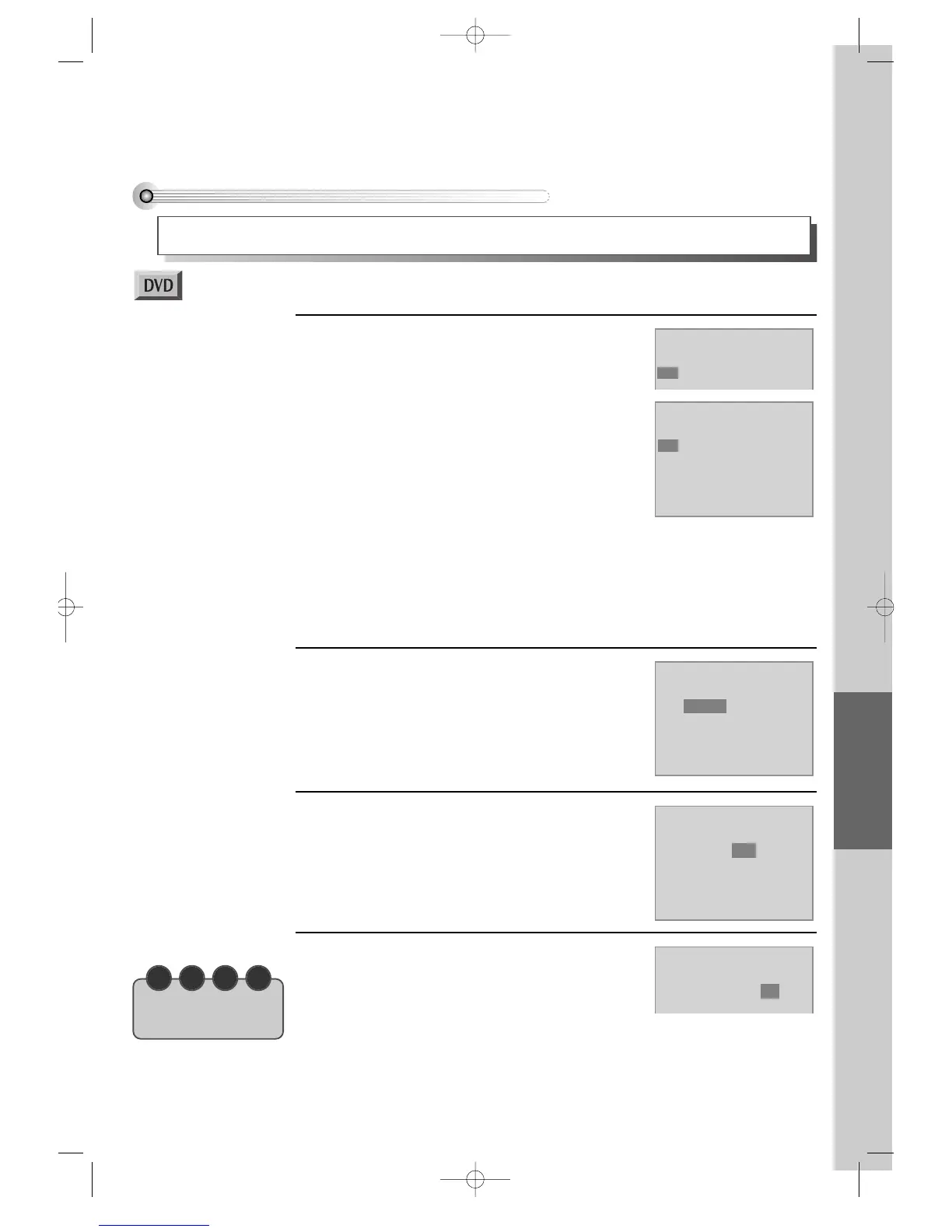
In REPEAT mode, you may see the right figure.
Press [SETUP/ENTER] button in the
position to repeat.
The beginning of REPEAT position (A) is set in the
right figure.
1
Mode1 DVD
Repeat
A-B Chapter Title Off
Mode1 DVD
Repeat
A- Chapter Title Off
Mode1 DVD
Repeat
A-B Chapter Title Off
Mode1 DVD
Repeat
A-B Chapter Title Off
Mode1 DVD
Repeat
A-B Chapter Title Off
Press [REPEAT] button again
Move a cursor to “Chapter” with [>] button, then if
the right figure appears, press [SETUP/ENTER]
button.
Then, the current chapter is repeated.
2
Press [REPEAT] button one more time.
Move a cursor to “Title” with [>] button, then if the
right figure appears, press [SETUP/ENTER] button.
Then, the current title is repeated.
3
Press [REPEAT] button one more time.
Move a cursor to “Off” with [>] button, then if the
right figure appears, press [SETUP/ENTER] button.
REPEAT mode is off.
4
■ Before setting it, you should change status into DVD by pressing [DVD] button on the
remote control.
N O T E
• A certain disc may
not be repeated.
Press [SETUP/ENTER] button again in the position to quit a repeat
The end of REPEAT period (B) is set and played repeatedly.
* If you want to stop REPEAT and return to normal condition, please press
[SETUP/ENTER] button in “A-B” or “Off” in the below step 4. Then press
[SETUP/ENTER] button.
DVD-Video(PAL) 02.3.15 5:45 PM ˘`49



 To Next Page